Turn bookings into a reminder chain that cuts no-shows
When someone books through Google Calendar, automatically confirm the appointment and send a reminder the day before, so fewer people simply forget to turn up.
What this looks like
One step on screen at a time. Read it, do it, tap Next.
Turn bookings into a reminder chain that cuts no-shows
Step 1 of 12
Trigger when a new event is created
Create a workflow and add a Google Calendar Trigger node watching your booking calendar for new events.
Checkpoint
A new calendar event produces one item in the workflow.
Before you begin
Tick these off as you sort them. Stopping halfway to create an account is how a fifteen-minute build becomes an hour.
0 of 8 ready
Ticks are saved on this device, so you can come back to them.
- Account
Ideally a dedicated calendar for appointments rather than your personal one, so the trigger doesn't fire on unrelated events.
- Credential
Authorise it against the same account that owns the booking calendar.
- Know-how
If your booking form or process doesn't add the client as an attendee, this workflow has nothing to send a reminder to.
- Account
Use an address clients will recognise as coming from your business.
- Time
A short build, but worth testing carefully since it deals with real appointment times.
The basics — ticked once, remembered everywhere
- Account
Either the hosted version or a self-hosted install. Everything here works the same on both — the only visible difference is the shape of your webhook URLs.
Create a workspace - Know-how
Adding a node, connecting two of them, and pressing Execute. If any of that is new, the free primer covers it in about ten minutes.
- Credential
You will paste at least one secret during setup. A password manager beats a notes app, and it stops you pasting a live key into a chat window by accident.
The shape of the workflow
The nodes you will end up with, left to right, in the order you add them.
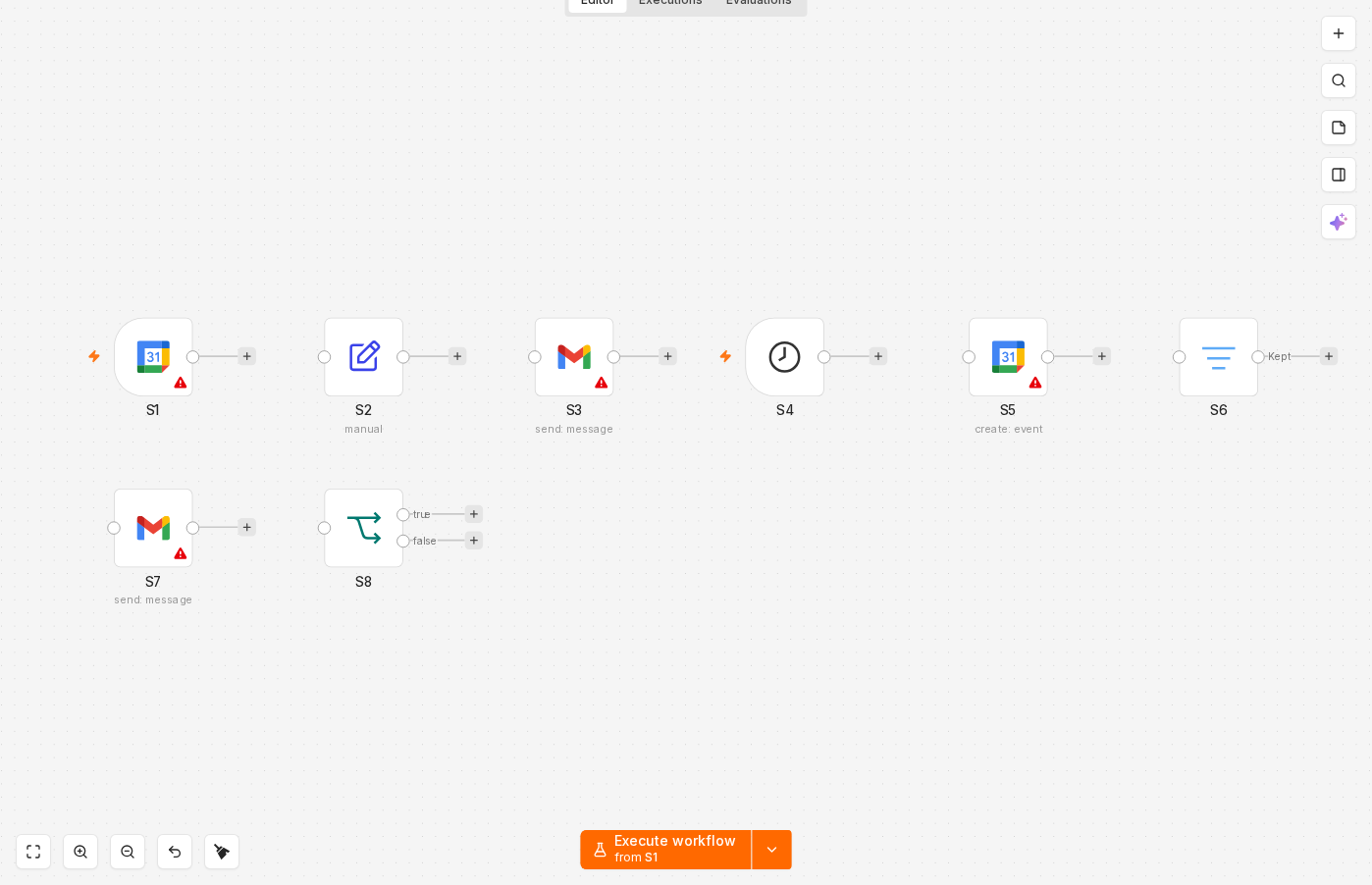 4 things to set here
- 1Google Calendar Trigger — the trigger — everything starts here
- 2Set — Pull out the attendee's details and start time
- 3Gmail — Send an immediate confirmation email
- 4Schedule Trigger — Add a separate schedule to check for tomorrow's bookings
Skip the node hunting
Import a starter file with every node for this build already on the canvas, named after its step and wired in order, each one carrying a sticky note with the values to enter. You still connect your own accounts and fill the fields — that is what the walkthrough takes you through — but you never start at a blank canvas.
In n8n: Workflows → Import from file.
What you will build
Jump straight to any step, or print the list and tick it off beside your n8n tab.
- 1Trigger when a new event is created
- 2Pull out the attendee's details and start time
- 3Send an immediate confirmation email
- 4Add a separate schedule to check for tomorrow's bookings
- 5Get tomorrow's events from the calendar
- 6Skip cancelled events
- 7Send the day-before reminder
- 8Handle events with no attendee gracefully
- 9Test both branches, then activate
- 10Book a test appointment for today
- 11Book a test appointment for tomorrow
- 12Cancel a test booking and re-run the reminder branch
If something goes wrong
Everything ready?
Start walkthrough