01 / 12Webhook
Create the workflow and add a Webhook node
Create a new workflow, then add a Webhook node. Set the method to POST and give the path a name you will recognise.
n8n shows two URLs: a test URL that only listens while you are watching, and a production URL used when the workflow is active.
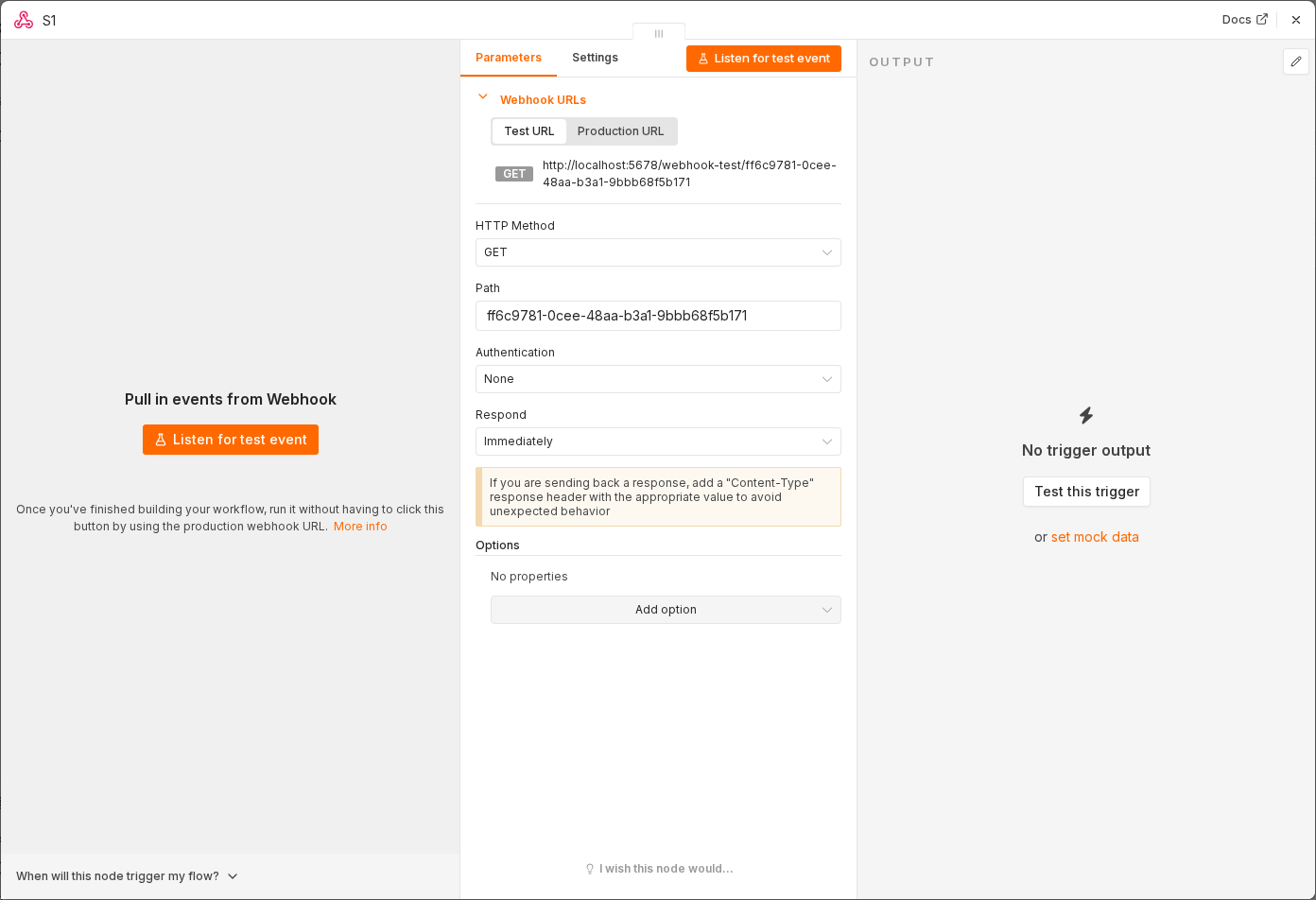 5 things to set here
- 1Open the Webhook node — double-click it on the canvas
- 2Workflow name — copy the value below
- 3HTTP Method — copy the value below
- 4Path — copy the value below
- 5Check before moving on — You can see both a Test URL and a Production URL on the node.
Workflow name
Website leads → Notion
HTTP Method
POST
Path
website-lead
Checkpoint
You can see both a Test URL and a Production URL on the node.