01 / 13Schedule Trigger
Run on a schedule with the Schedule Trigger
Create a workflow and add a Schedule Trigger node. This kicks off the digest run — once a week is enough since the workflow itself filters down to the last seven days of meetings.
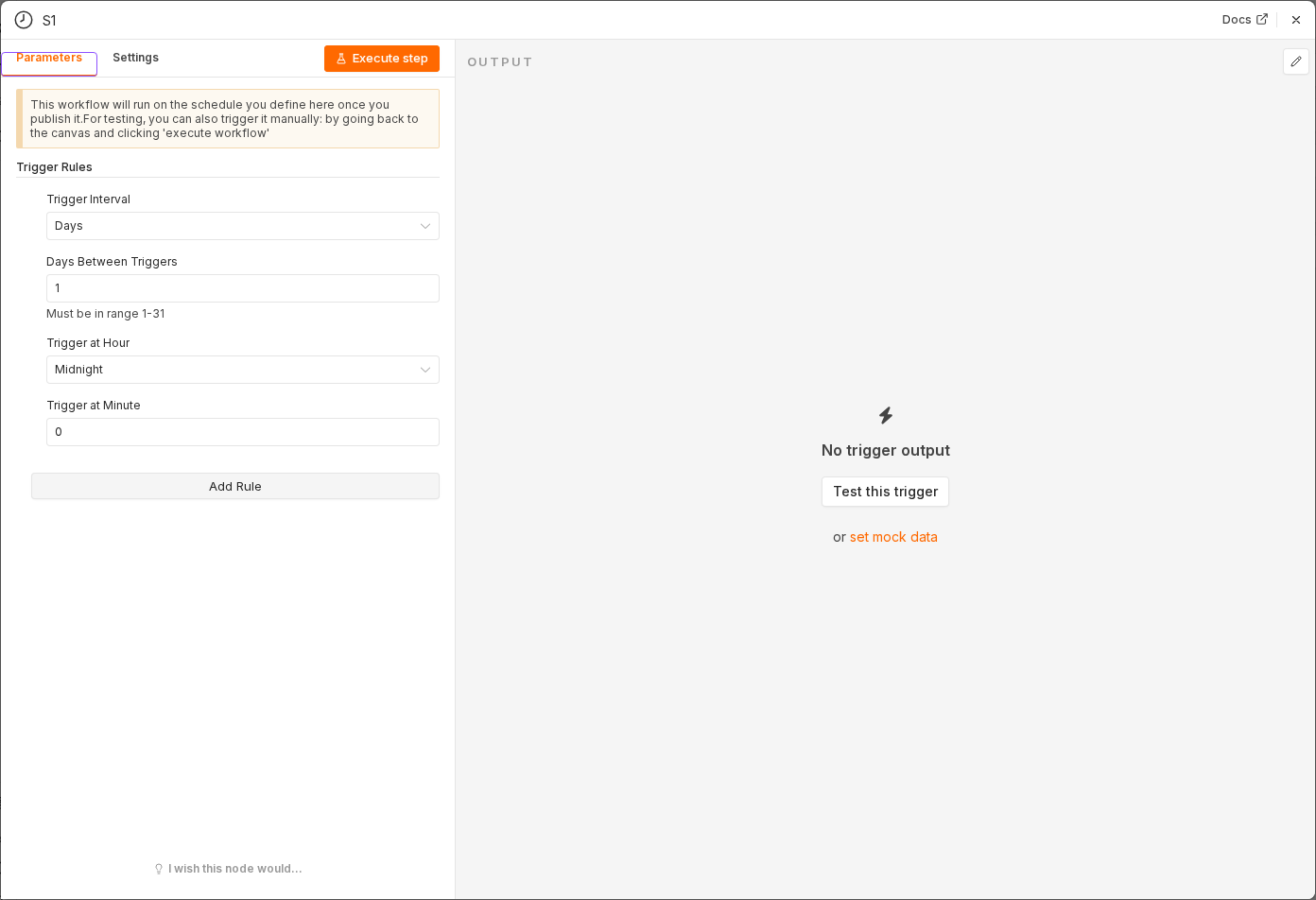 3 things to set here
- 1Open the Schedule Trigger node — double-click it on the canvas
- 2Workflow name — copy the value below
- 3Check before moving on — A Schedule Trigger sits on the canvas as the workflow's starting node.
Workflow name
Meeting notes digest
Checkpoint
A Schedule Trigger sits on the canvas as the workflow's starting node.