01 / 12Schedule Trigger
Trigger on a schedule
Create a workflow and add a Schedule Trigger running every hour during your working day. A live-feeling dashboard doesn't need to update every minute — hourly is plenty for pipeline data.
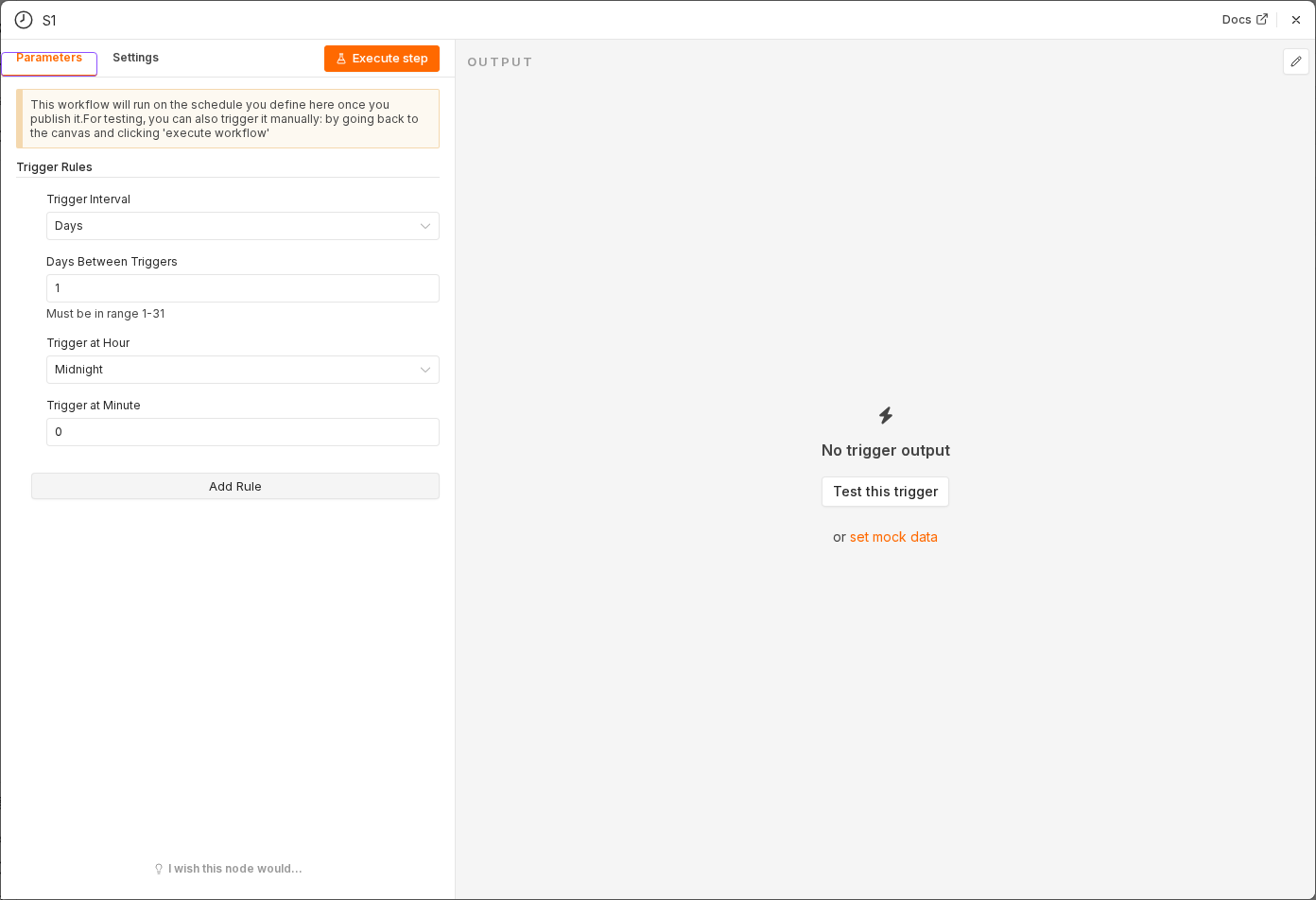 5 things to set here
- 1Open the Schedule Trigger node — double-click it on the canvas
- 2Workflow name — copy the value below
- 3Trigger Interval — copy the value below
- 4Hours Between Triggers — copy the value below
- 5Check before moving on — A Schedule Trigger sits on the canvas set to run hourly.
Workflow name
Sales dashboard sync
Trigger Interval
Hours
Hours Between Triggers
1
Checkpoint
A Schedule Trigger sits on the canvas set to run hourly.