08 / 12Google Sheets
Log every review to Google Sheets
Add a Google Sheets node named Log to Google Sheets appending a row to the Reviews sheet for every review, whether it went down the negative or positive branch, recording the date, rating, text, source, reviewer, review ID and the AI's drafted response.
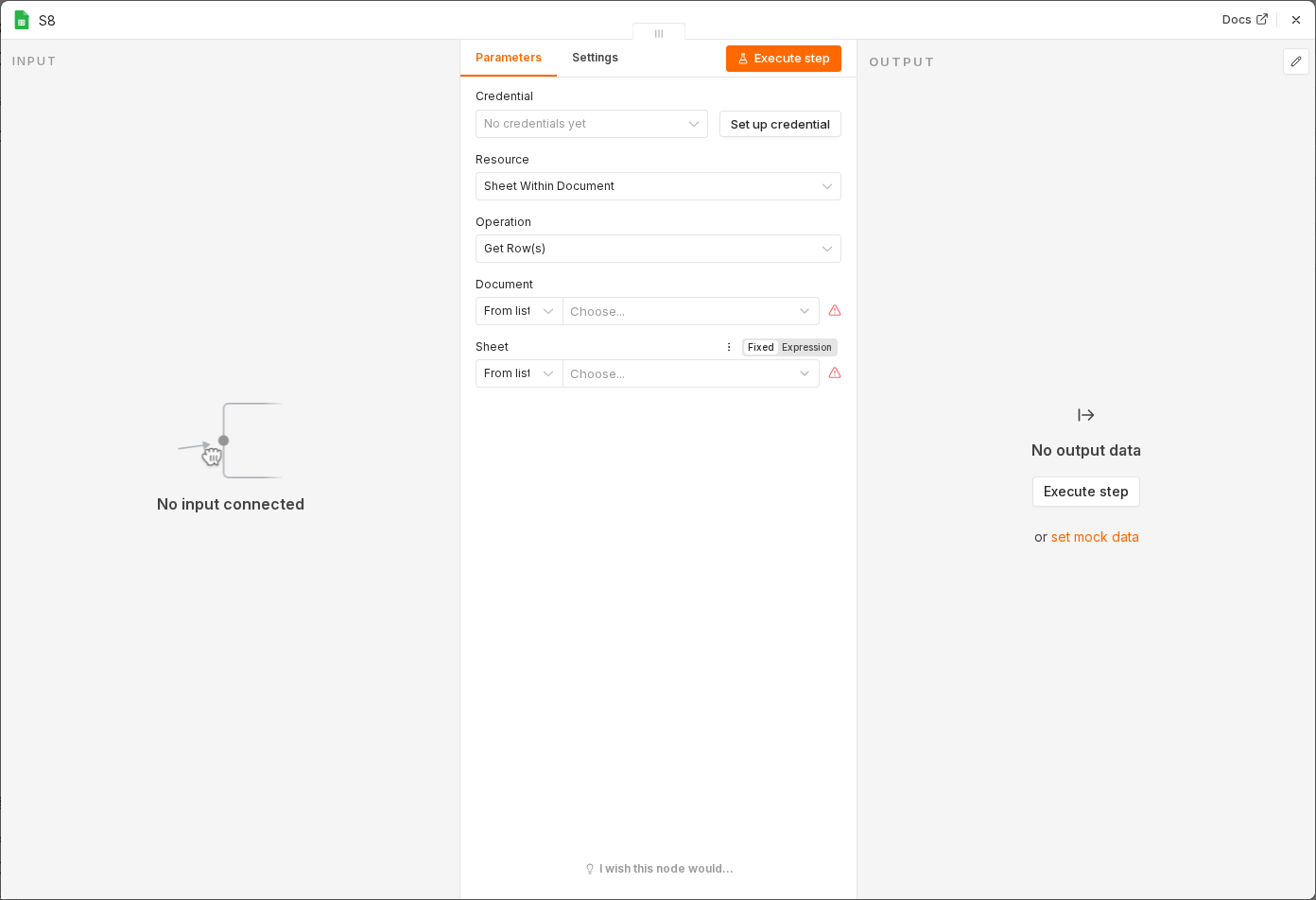 6 things to set here
- 1Open the Google Sheets node — double-click it on the canvas
- 2Operation — copy the value below
- 3Document — paste as an expression
- 4Sheet — copy the value below
- 5Date — paste as an expression
- 6Check before moving on — A row appears in the Reviews sheet for every test review, from both branches of the If node.
Operation
Append
Documentexpression
{{ $env.GOOGLE_SHEET_ID }}Sheet
Reviews
Dateexpression
{{ new Date().toISOString() }}Ratingexpression
{{ $json.rating }}Reviewexpression
{{ $json.reviewText }}Sourceexpression
{{ $json.source }}Reviewerexpression
{{ $json.reviewerName }}Review IDexpression
{{ $json.reviewId }}AI Responseexpression
{{ $json.output }}Checkpoint
A row appears in the Reviews sheet for every test review, from both branches of the If node.