07 / 12HTTP Request
Post a celebration message for positive reviews
Off the false branch, add an HTTP Request node named Notify Team - Positive posting to the same Slack webhook, but with a celebratory tone for good reviews.
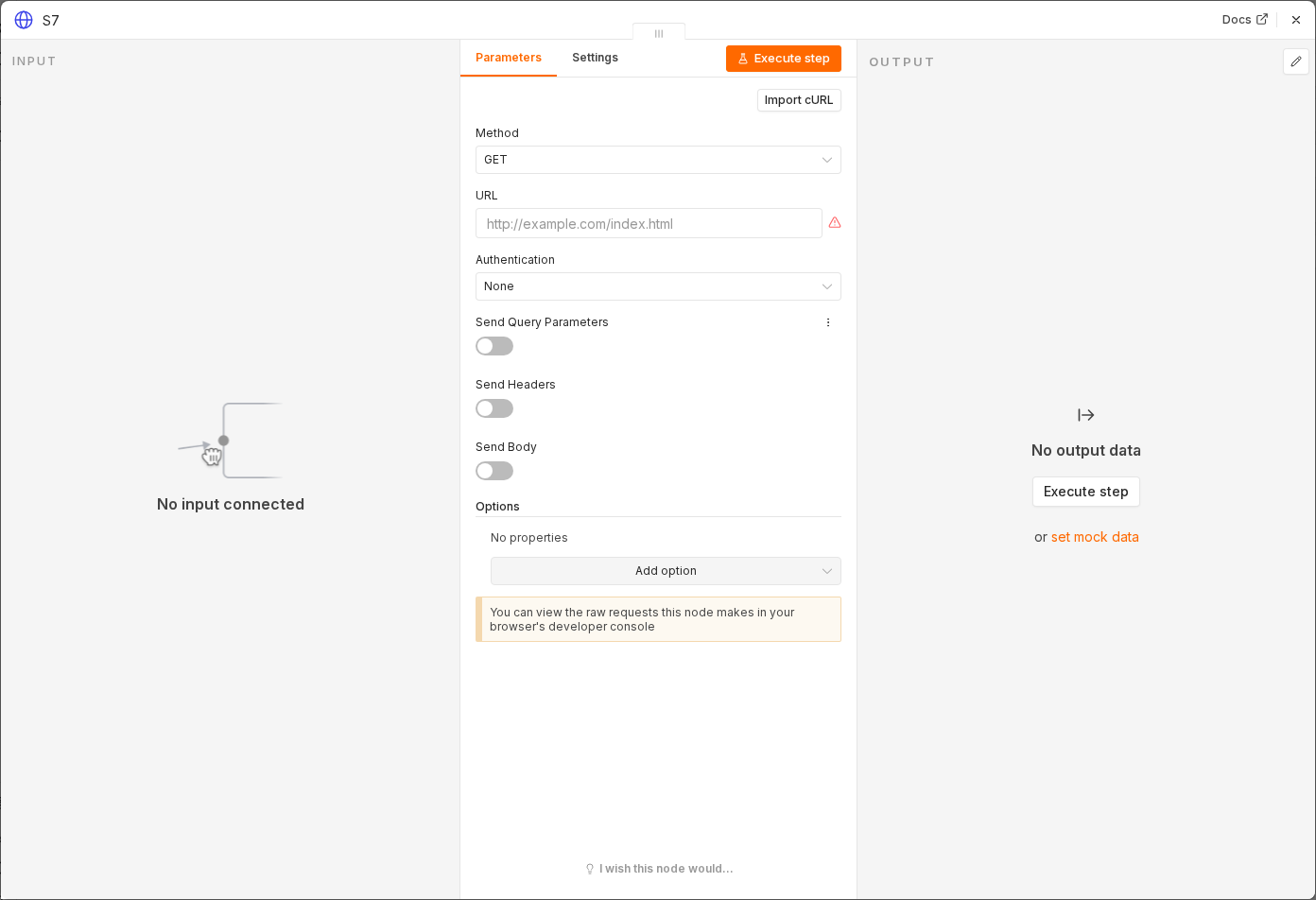 5 things to set here
- 1Open the HTTP Request node — double-click it on the canvas
- 2Method — copy the value below
- 3URL — paste as an expression
- 4Body → text — paste as an expression
- 5Check before moving on — A test positive review posts a friendlier message to the same Slack channel.
Method
POST
URLexpression
{{ $('Business Configuration').item.json.slackWebhookUrl }}Body → textexpression
New Positive Review

Source: {{ $json.source }}
Rating: {{ $json.rating }}/5
Reviewer: {{ $json.reviewerName }}
Review: {{ $json.reviewText }}

Suggested Response:
{{ $json.output }}
Checkpoint
A test positive review posts a friendlier message to the same Slack channel.