04 / 12AI Transform
Draft a response with Generate AI Response
Add an AI Transform node named Generate AI Response. Feed it the review's source, rating, reviewer and text, along with the response tone from Business Configuration, and instruct it to acknowledge and offer to make things right on low ratings, or thank the reviewer warmly on high ones, in under 150 words.
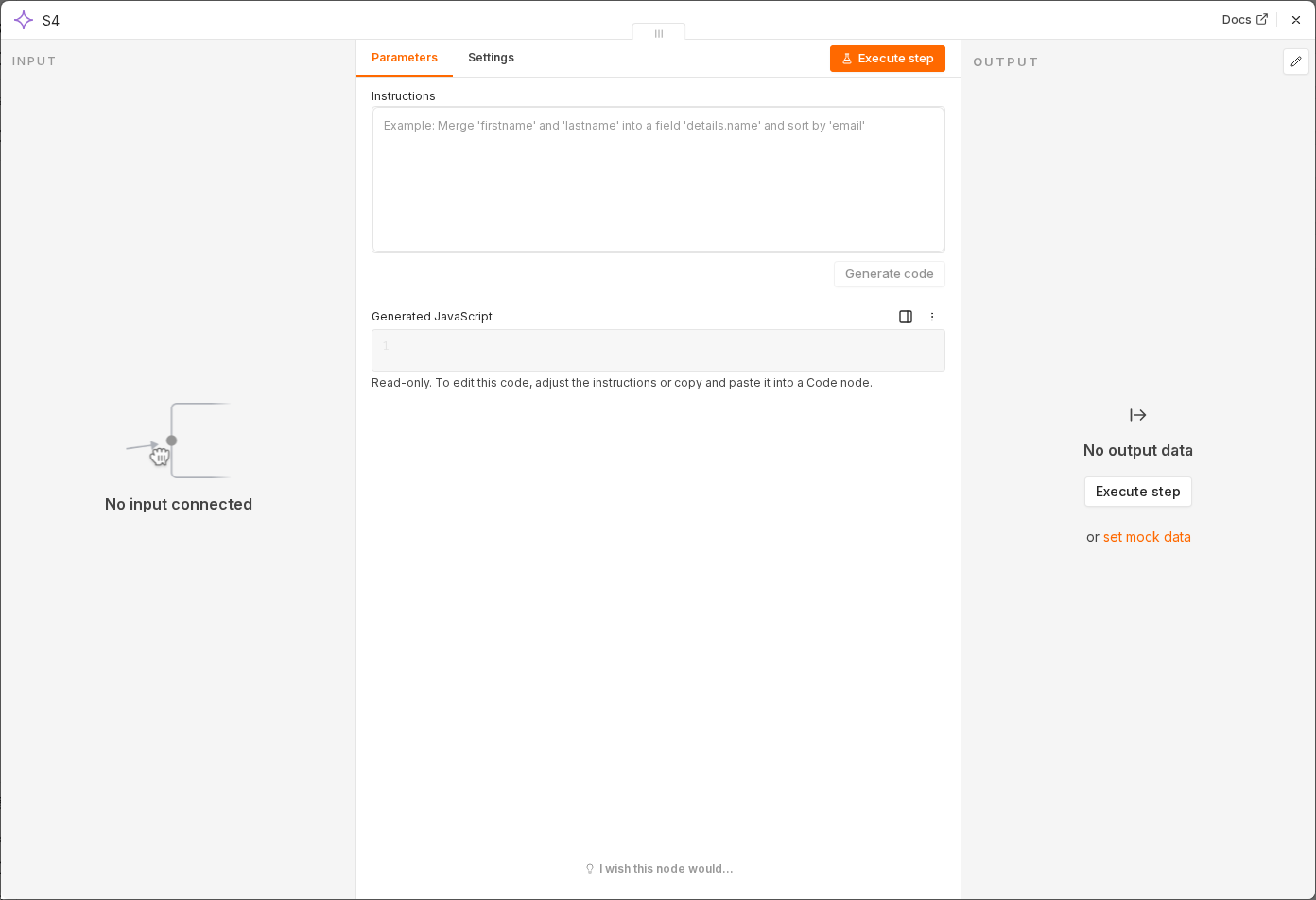 3 things to set here
- 1Open the AI Transform node — double-click it on the canvas
- 2Instructions — copy the value below
- 3Check before moving on — The item gains an output field containing a drafted reply appropriate to the star rating.
Instructions
Analyze the review and generate a professional response using the source, rating, reviewer name and review text. Match the tone set in Business Configuration. If the rating is 3 or below, acknowledge the concern and offer to make things right. If 4 or 5 stars, thank the reviewer warmly. Keep the response under 150 words.
Checkpoint
The item gains an output field containing a drafted reply appropriate to the star rating.