03 / 12Edit Fields (Set)
Reshape the raw review into flat fields
Add a second Set node named Format Google Reviews that pulls the star rating, comment text, reviewer name, date and review ID out of the API's nested response into flat, easy-to-reference fields.
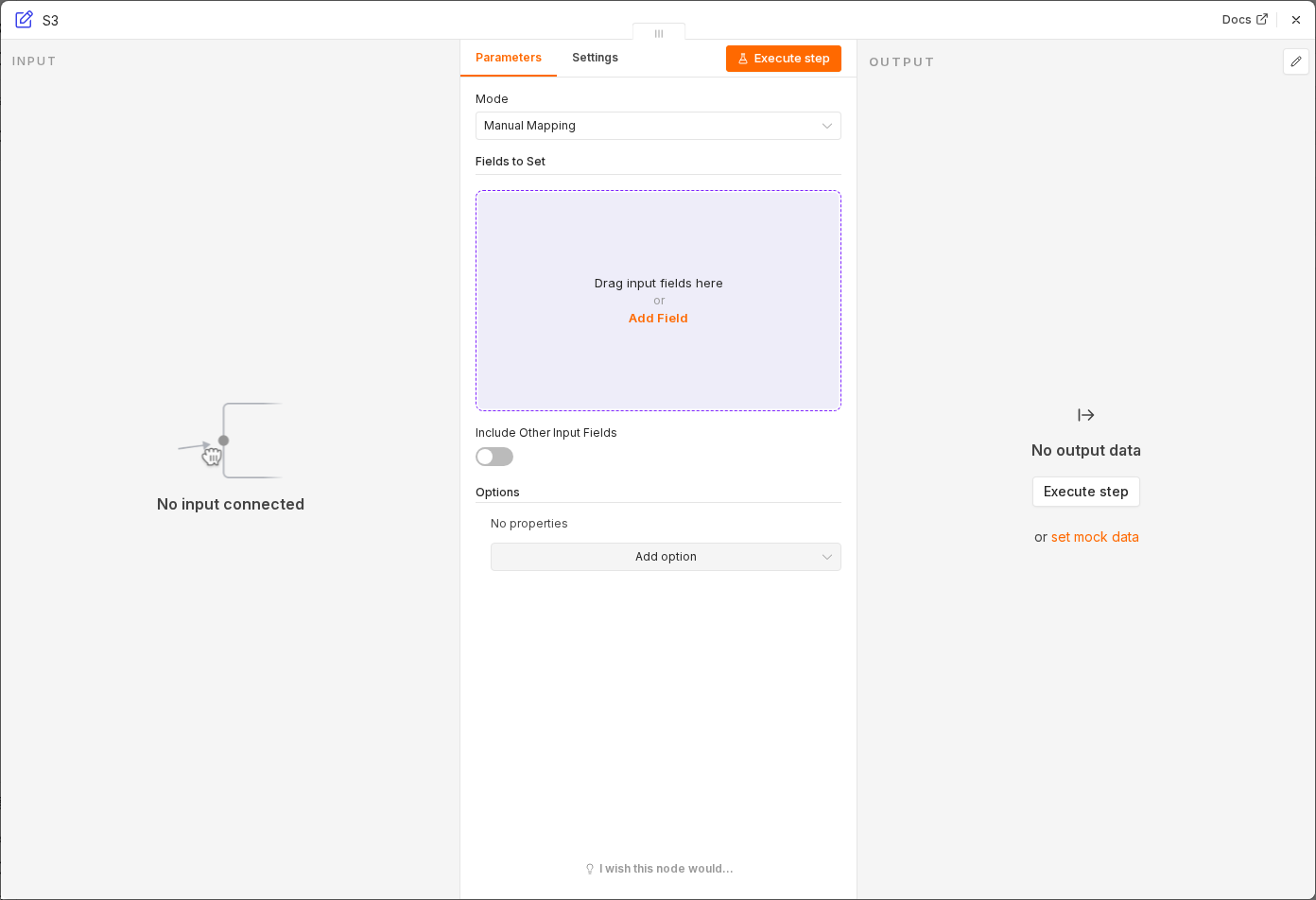 6 things to set here
- 1Open the Edit Fields (Set) node — double-click it on the canvas
- 2source — copy the value below
- 3rating — paste as an expression
- 4reviewText — paste as an expression
- 5reviewerName — paste as an expression
- 6Check before moving on — The item now has simple top-level fields: source, rating, reviewText, reviewerName, reviewDate and reviewId.
source
Google Business Profile
ratingexpression
{{ $json.starRating }}reviewTextexpression
{{ $json.comment }}reviewerNameexpression
{{ $json.reviewer.displayName }}reviewDateexpression
{{ $json.createTime }}reviewIdexpression
{{ $json.reviewId }}Checkpoint
The item now has simple top-level fields: source, rating, reviewText, reviewerName, reviewDate and reviewId.