01 / 15Jotform Trigger
Capture the submission with Jotform Trigger
Add a Jotform Trigger node connected to your intake form. Every submission fires the workflow with the raw form fields as the payload.
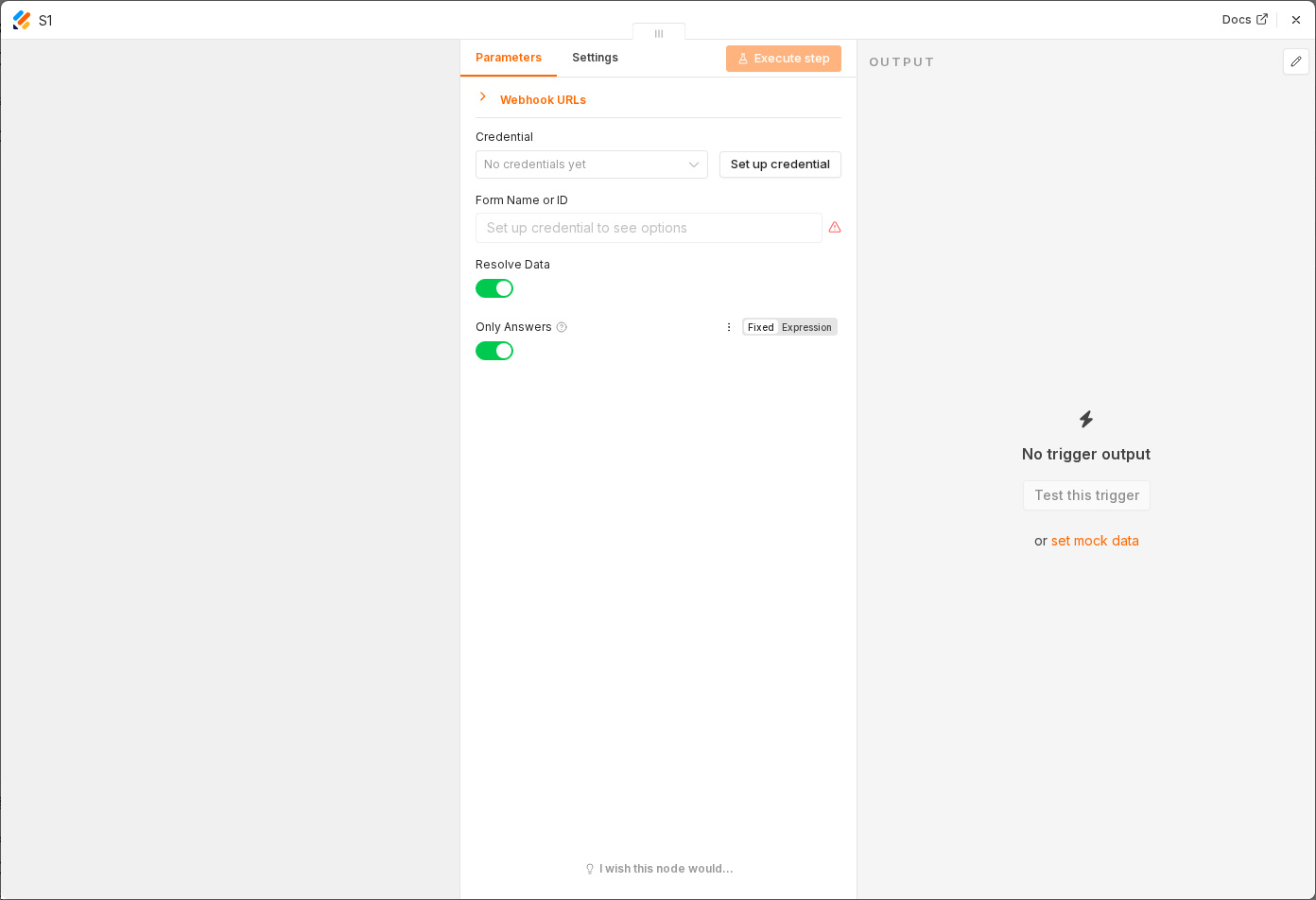 3 things to set here
- 1Open the Jotform Trigger node — double-click it on the canvas
- 2Form — copy the value below
- 3Check before moving on — A test submission on the form produces an item with all your Jotform field names.
Form
Your new-hire intake form ID
Checkpoint
A test submission on the form produces an item with all your Jotform field names.