05 / 12Schedule Trigger
Start the nudge workflow
The follow-up runs on its own clock, so build it as a second workflow. Create one and add a Schedule Trigger set to run once a day at a sensible hour.
Trying to do this with a Wait node inside the first workflow works, but it ties up an execution for two days and loses everything on a restart.
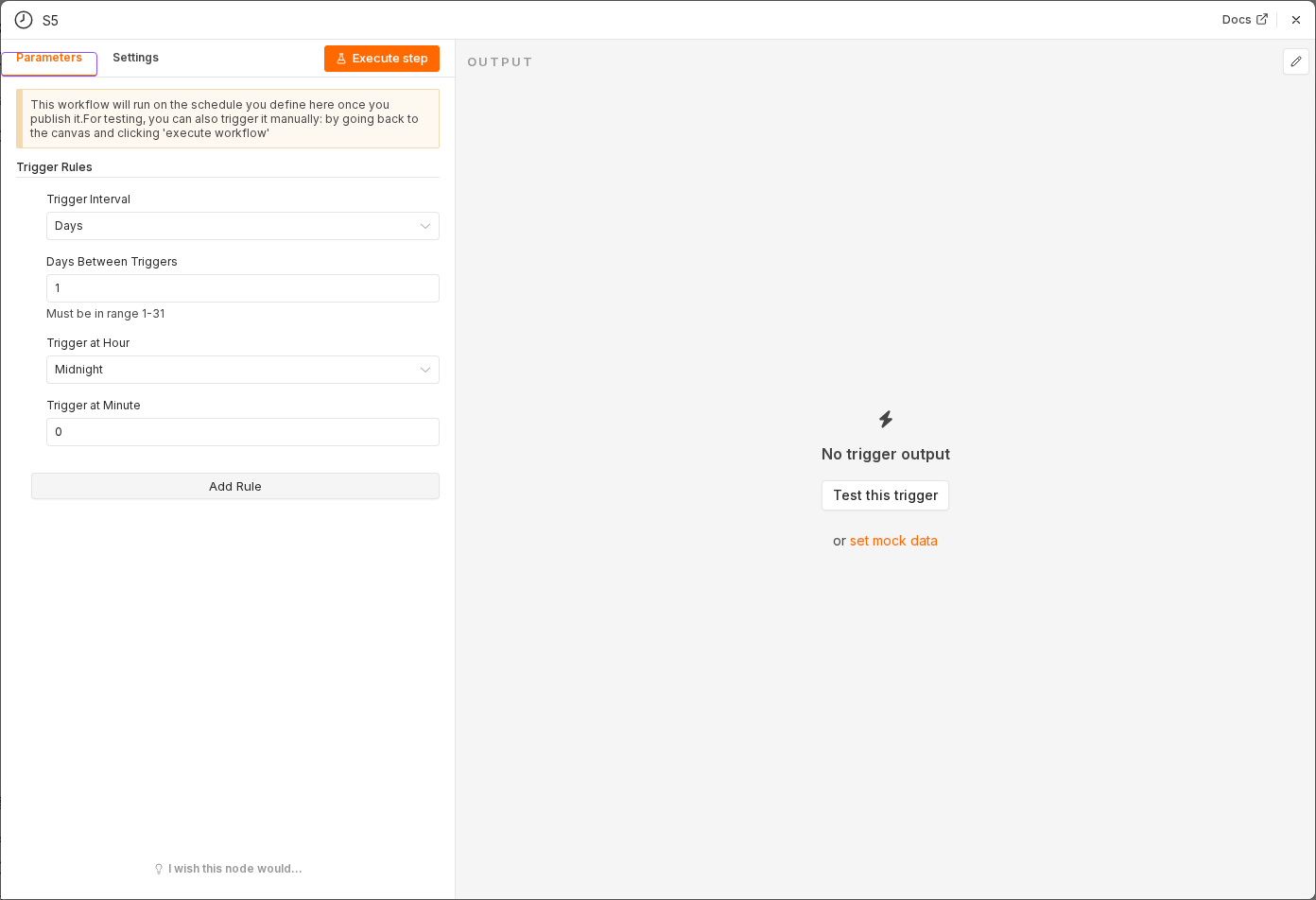 5 things to set here
- 1Open the Schedule Trigger node — double-click it on the canvas
- 2Workflow name — copy the value below
- 3Trigger Interval — copy the value below
- 4Trigger Hour — copy the value below
- 5Check before moving on — A second workflow exists with a daily trigger.
Workflow name
Lead nudge — day 2
Trigger Interval
Days
Trigger Hour
9am
Checkpoint
A second workflow exists with a daily trigger.