01 / 12Webhook
Create the workflow and capture the lead
Create a new workflow and add a Webhook node set to POST. Copy the test URL into your form tool and submit one dummy lead so n8n can see the real shape of the data.
Your fields land under body in the JSON output.
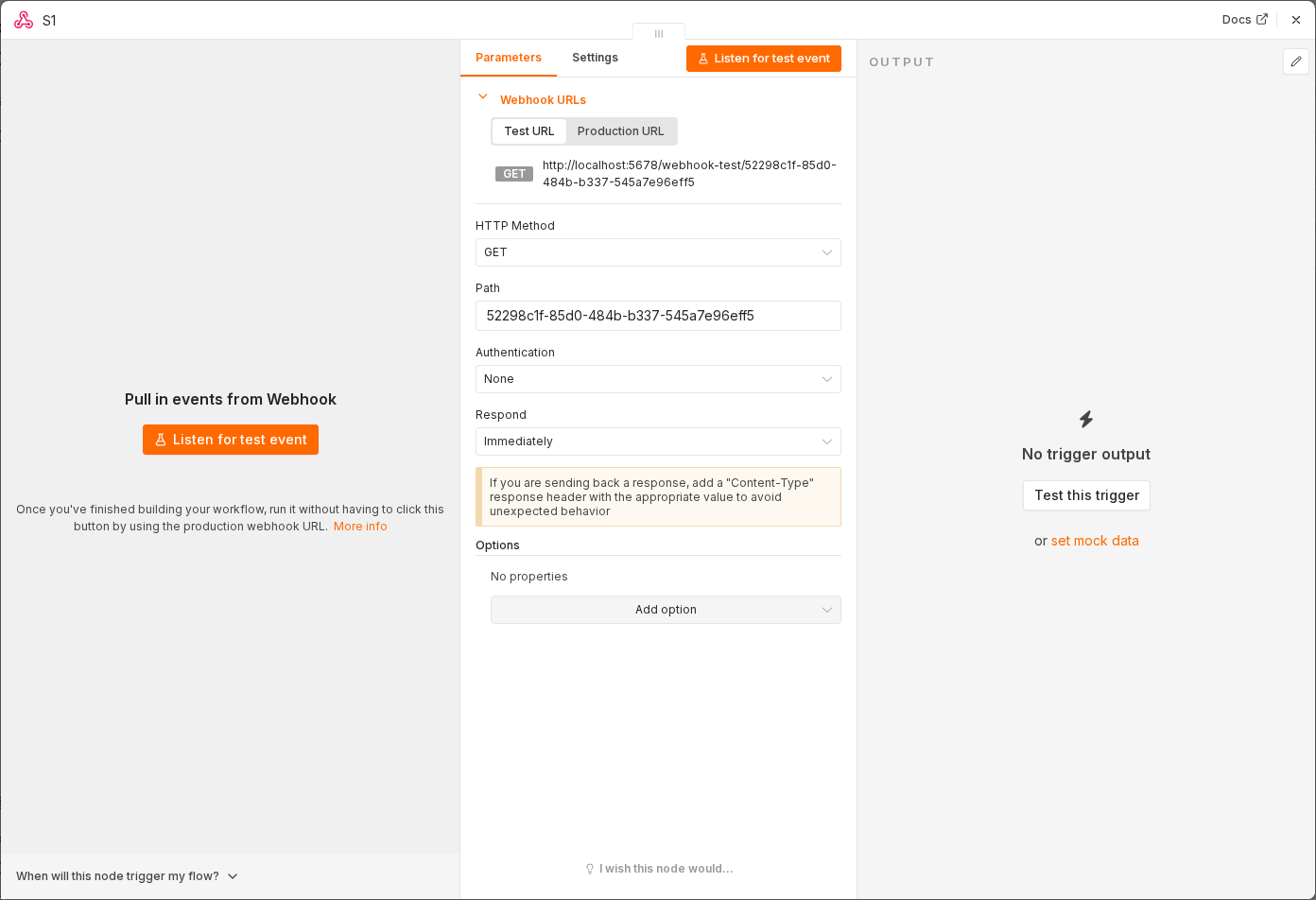 5 things to set here
- 1Open the Webhook node — double-click it on the canvas
- 2Workflow name — copy the value below
- 3HTTP Method — copy the value below
- 4Path — copy the value below
- 5Check before moving on — The webhook output shows your dummy name, email and message.
Workflow name
Instant lead follow-up
HTTP Method
POST
Path
new-lead
Tip
Pin the captured output. You will re-test this workflow a dozen times while tuning the email wording.
Checkpoint
The webhook output shows your dummy name, email and message.