01 / 12Webhook
Trigger on new tickets
Create a workflow and add a trigger matching your ticket source — a Webhook node if your helpdesk can send one, or a CRM-specific trigger such as HubSpot Trigger on ticket creation.
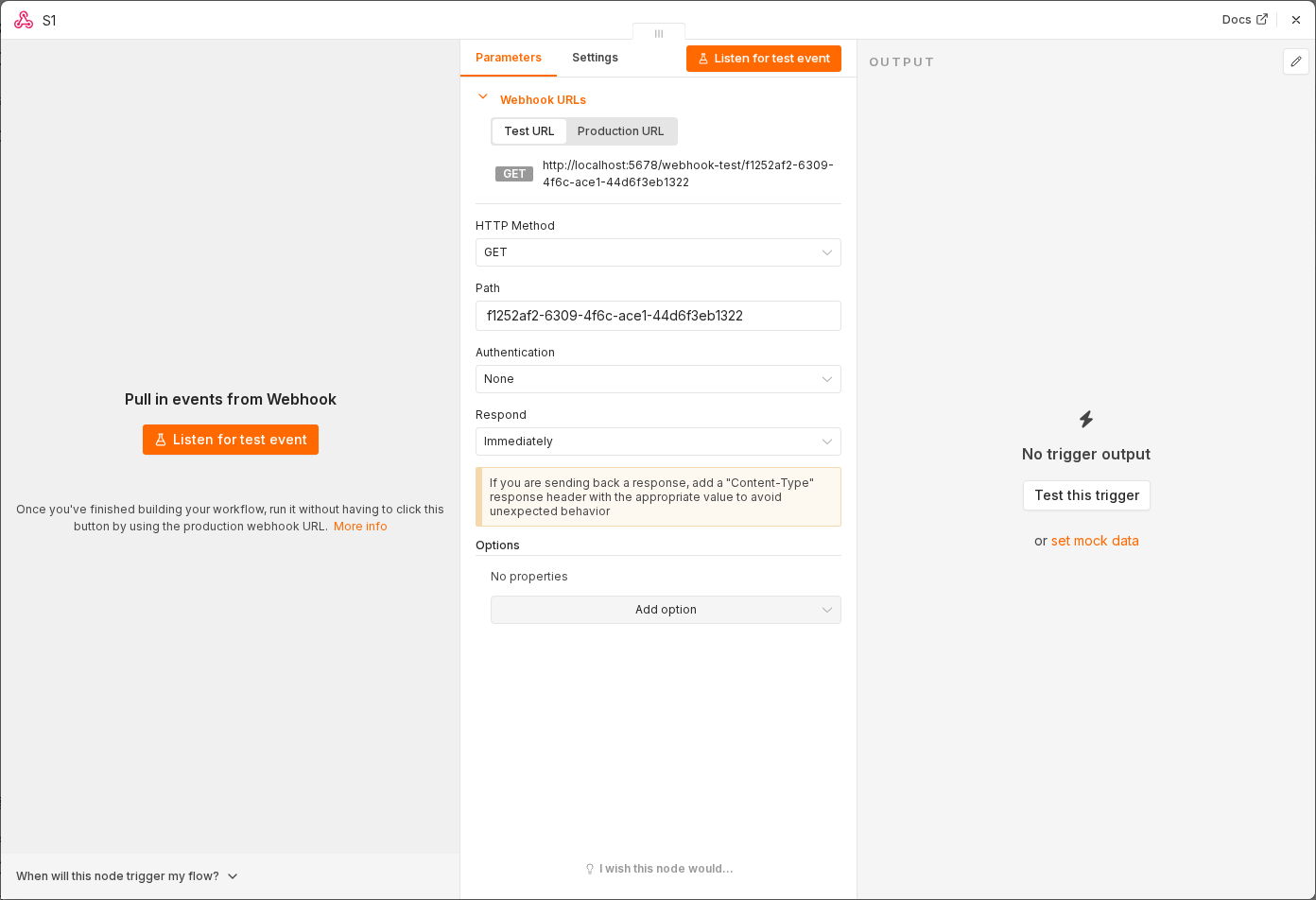 5 things to set here
- 1Open the Webhook node — double-click it on the canvas
- 2Workflow name — copy the value below
- 3HTTP Method — copy the value below
- 4Path — copy the value below
- 5Check before moving on — Submitting a test ticket produces one item with the ticket subject and body.
Workflow name
IT ticket triage
HTTP Method
POST
Path
new-ticket
Checkpoint
Submitting a test ticket produces one item with the ticket subject and body.