04 / 13Code
Work out how overdue each one is
Add a Code node set to Run Once for All Items and paste this. It calculates the days overdue and decides which of the three reminder stages applies, returning nothing for invoices that are not at a milestone today.
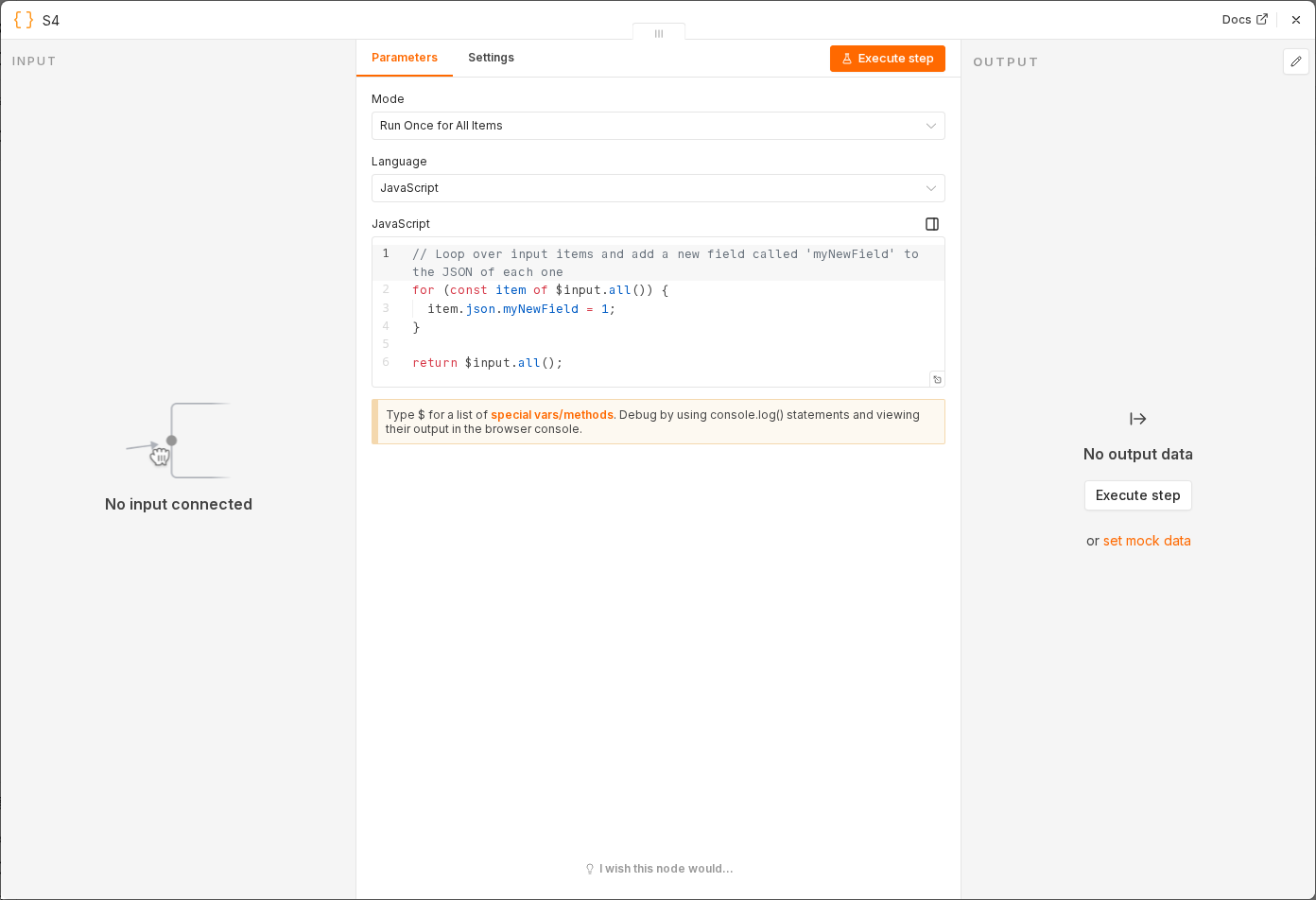 4 things to set here
- 1Open the Code node — double-click it on the canvas
- 2Mode — copy the value below
- 3JavaScript — The LastReminder check is what stops the same client being emailed every single morning.
- 4Check before moving on — Only invoices due a new reminder today come out, each tagged with a stage of 1, 2 or 3.
Mode
Run Once for All Items
JavaScript
const day = 24 * 60 * 60 * 1000;
return items.flatMap(i => {
  const r = i.json;
  const overdue = Math.floor((Date.now() - new Date(r.DueDate).getTime()) / day);
  const stage = overdue >= 14 ? 3 : overdue >= 7 ? 2 : overdue >= 3 ? 1 : 0;
  if (!stage || Number(r.LastReminder || 0) >= stage) return [];
  return [{ json: { ...r, overdue, stage } }];
});
The LastReminder check is what stops the same client being emailed every single morning.
Tip
This is the one step worth reading line by line. Everything else is plumbing.
Checkpoint
Only invoices due a new reminder today come out, each tagged with a stage of 1, 2 or 3.