02 / 13Google Sheets
Read the invoice sheet
Add a Google Sheets node with Get Row(s), connect your Google account, and select the invoice tab. Run it once so you have real rows.
Check the output: DueDate should look like a plain date string, and Amount should be a number.
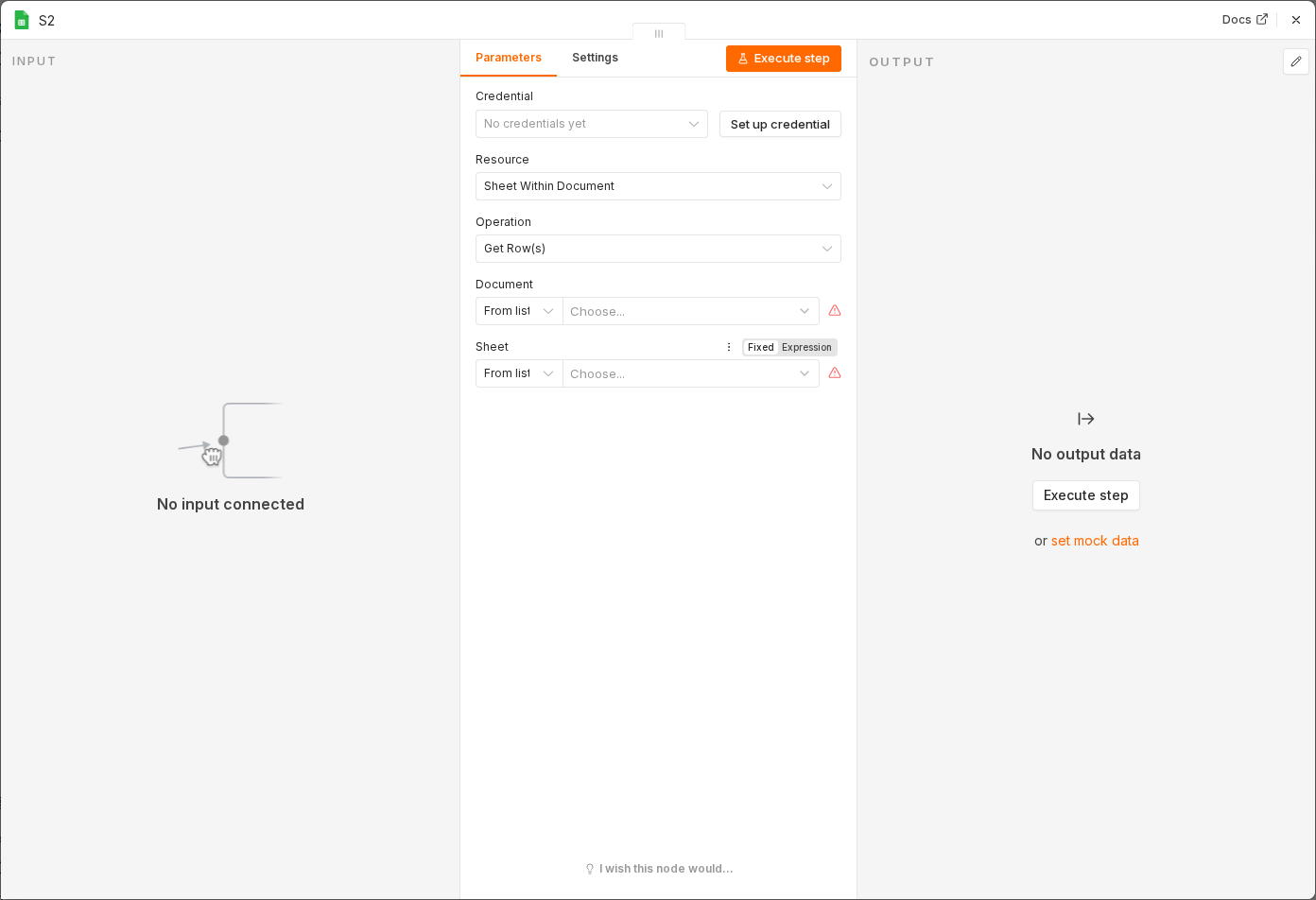 4 things to set here
- 1Open the Google Sheets node — double-click it on the canvas
- 2Operation — copy the value below
- 3Sheet — copy the value below
- 4Check before moving on — Every invoice comes back as an item with recognisable column names.
Operation
Get Row(s)
Sheet
Invoices
Checkpoint
Every invoice comes back as an item with recognisable column names.