01 / 13Pinecone
Set up the vector store index
In your Pinecone (or equivalent) account, create an index sized for your embedding model's output — 1536 dimensions if you're using OpenAI's text-embedding-3-small. Note the index name; you'll need it in n8n.
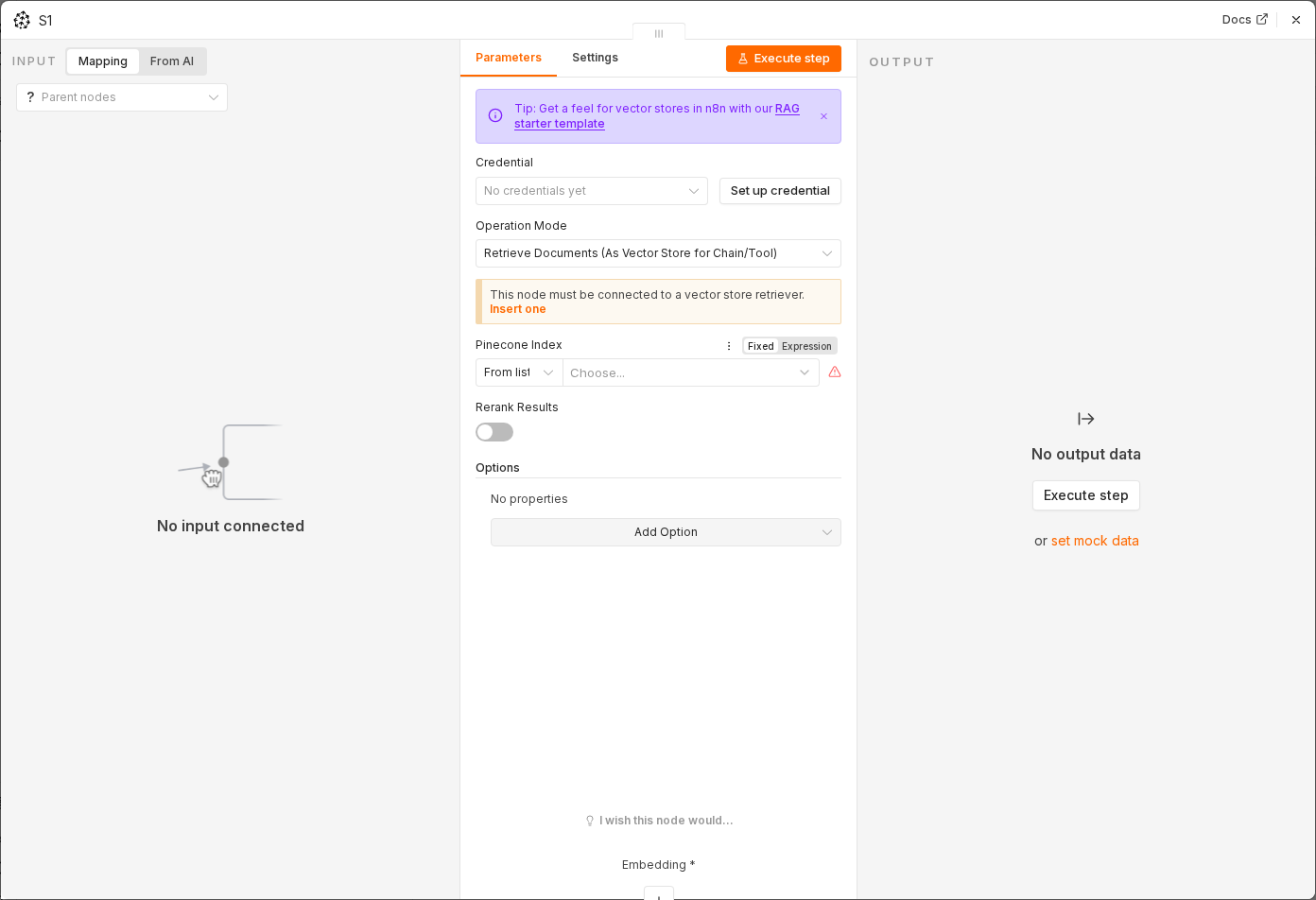 4 things to set here
- 1Open the Pinecone node — double-click it on the canvas
- 2Index name — copy the value below
- 3Dimensions — copy the value below
- 4Check before moving on — An empty index exists and is visible in your Pinecone dashboard.
Index name
company-kb
Dimensions
1536
Checkpoint
An empty index exists and is visible in your Pinecone dashboard.