01 / 12Google Drive Trigger
Trigger on a new file in the receipts folder
Create a workflow and add a Google Drive Trigger watching your receipts folder for new files. This fires the moment a photo lands, whether you added it from your phone or a scanner app.
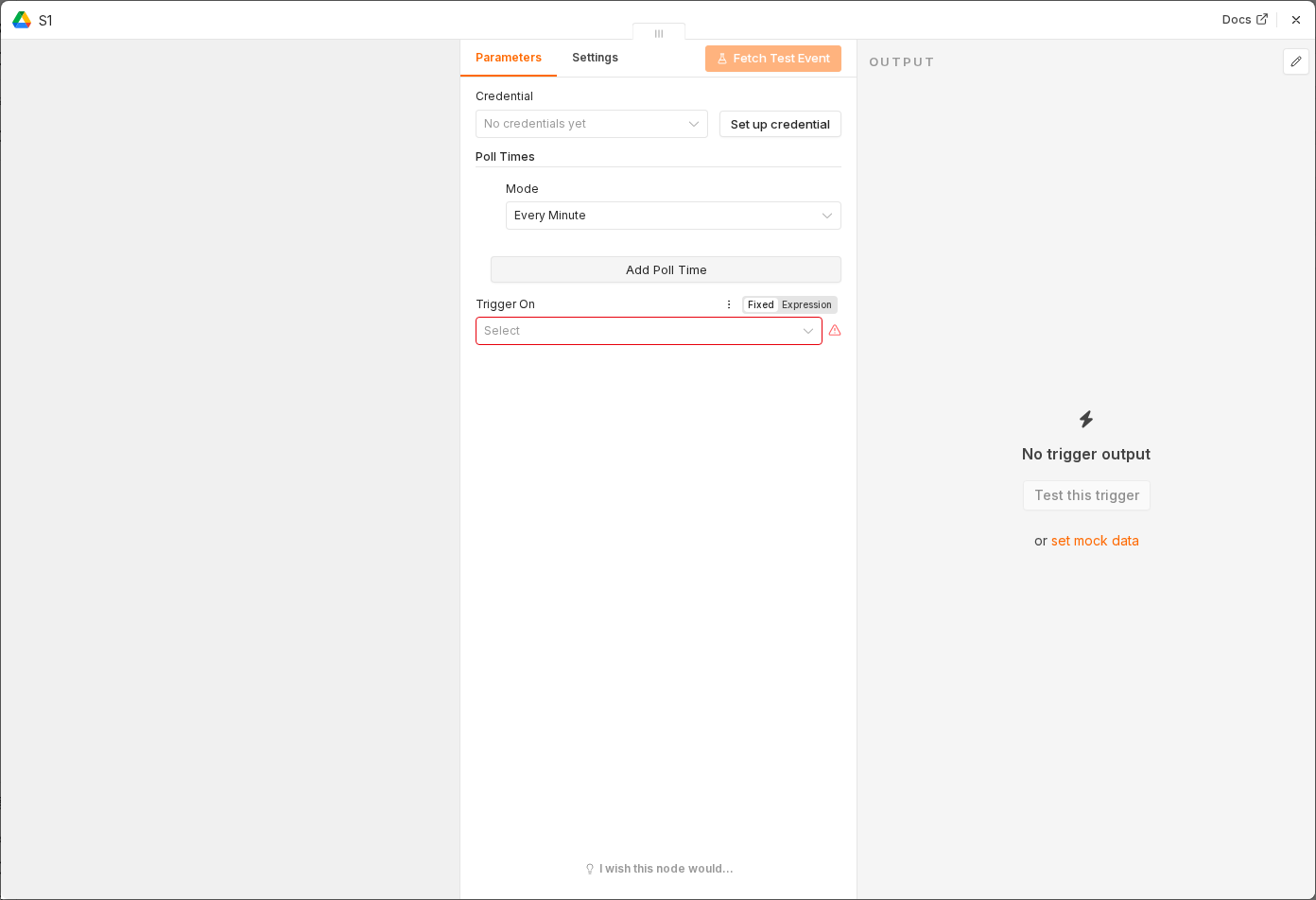 5 things to set here
- 1Open the Google Drive Trigger node — double-click it on the canvas
- 2Workflow name — copy the value below
- 3Trigger On — copy the value below
- 4Event — copy the value below
- 5Check before moving on — Dropping a test image into the folder starts a workflow execution.
Workflow name
Receipt to expense sheet
Trigger On
Specific Folder
Event
File Created
Tip
If you'd rather capture by chat, swap this for a Telegram Trigger on Photo messages — the rest of the workflow stays the same.
Checkpoint
Dropping a test image into the folder starts a workflow execution.