01 / 13n8n Form Trigger
Build the claim submission form
Create a workflow and add an n8n Form Trigger. This is what employees use to submit a claim, so keep the fields simple and specific.
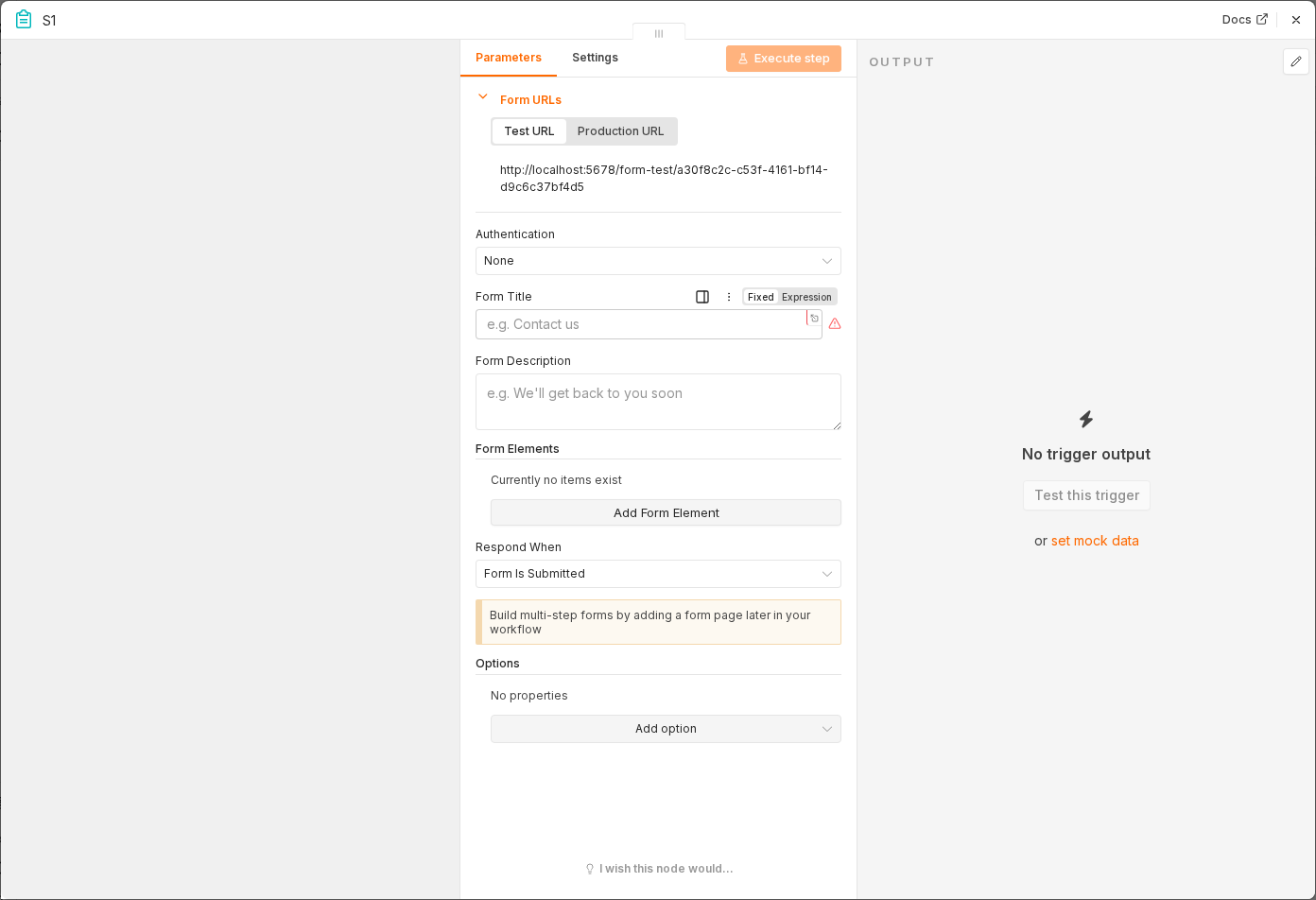 6 things to set here
- 1Open the n8n Form Trigger node — double-click it on the canvas
- 2Form Title — copy the value below
- 3Field: Employee Name — copy the value below
- 4Field: Employee Email — copy the value below
- 5Field: Amount — copy the value below
- 6Check before moving on — Submitting the form produces an item with all five fields filled in.
Form Title
Expense Claim
Field: Employee Name
Single line text, required
Field: Employee Email
Single line text, required
Field: Amount
Number, required
Field: Category
Dropdown: Travel, Meals, Equipment, Other
Field: Description
Paragraph text, required
Checkpoint
Submitting the form produces an item with all five fields filled in.