01 / 12Form Trigger
Start with a manual trigger for a job description
Create a workflow with a Form Trigger (or Manual Trigger while testing) that captures the job description text and a link to your base CV, so you can run this whenever you spot a role worth applying for.
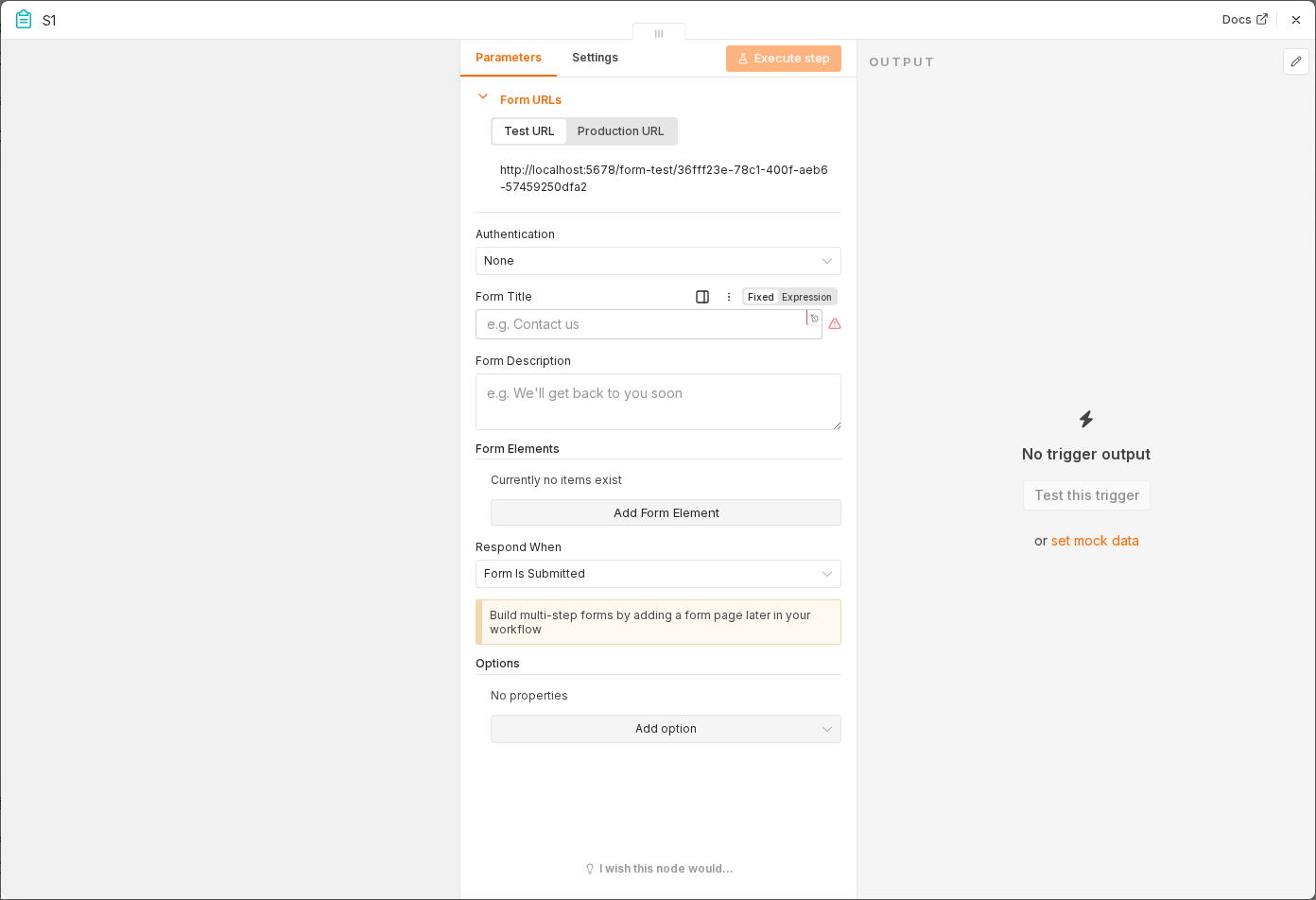 5 things to set here
- 1Open the Form Trigger node — double-click it on the canvas
- 2Workflow name — copy the value below
- 3Form Field — copy the value below
- 4Form Field — copy the value below
- 5Check before moving on — Submitting the form produces an item with the job description text.
Workflow name
ATS resume tailoring
Form Field
Job description (multiline text)
Form Field
Base CV Google Doc link
Checkpoint
Submitting the form produces an item with the job description text.