01 / 11Schedule Trigger
Create the workflow and add a Schedule Trigger
Create a workflow, name it, then add a Schedule Trigger. Set it to run weekly on the day and hour you want the email to land.
Times use your instance's timezone, which you can check in workflow settings.
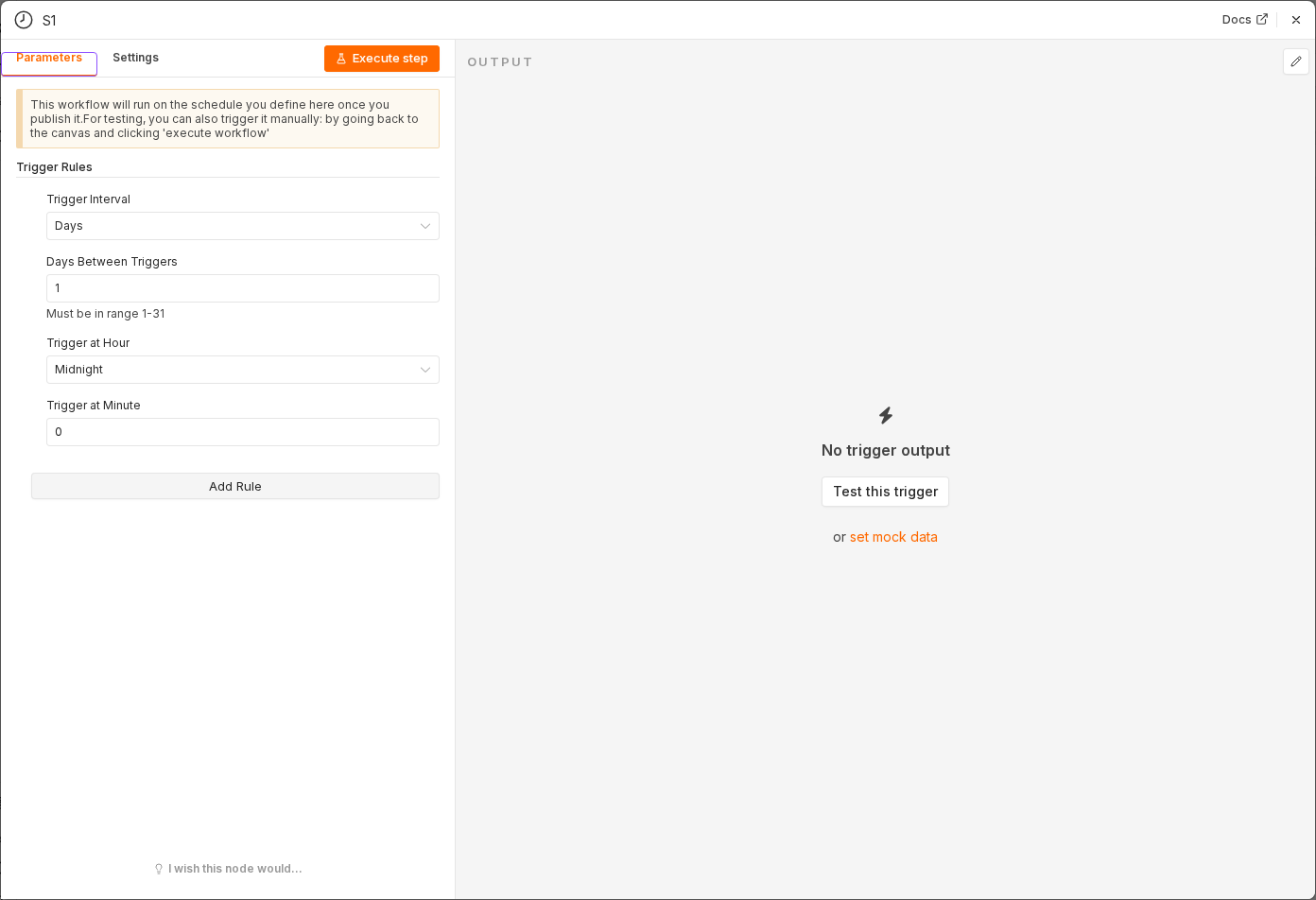 6 things to set here
- 1Open the Schedule Trigger node — double-click it on the canvas
- 2Workflow name — copy the value below
- 3Trigger Interval — copy the value below
- 4Trigger Day — copy the value below
- 5Trigger Hour — copy the value below
- 6Check before moving on — A Schedule Trigger sits on the canvas set to weekly.
Workflow name
Weekly sheet report
Trigger Interval
Weeks
Trigger Day
Monday
Trigger Hour
8am
Tip
While building, temporarily set it to every minute so you are not waiting a week to test. Change it back before you activate.
Checkpoint
A Schedule Trigger sits on the canvas set to weekly.