01 / 11Form Trigger
Create the workflow with a Form Trigger
Create a workflow and add a Form Trigger node. Build the form fields directly in the node — Name, Email, Rating (1 to 5), and Comments.
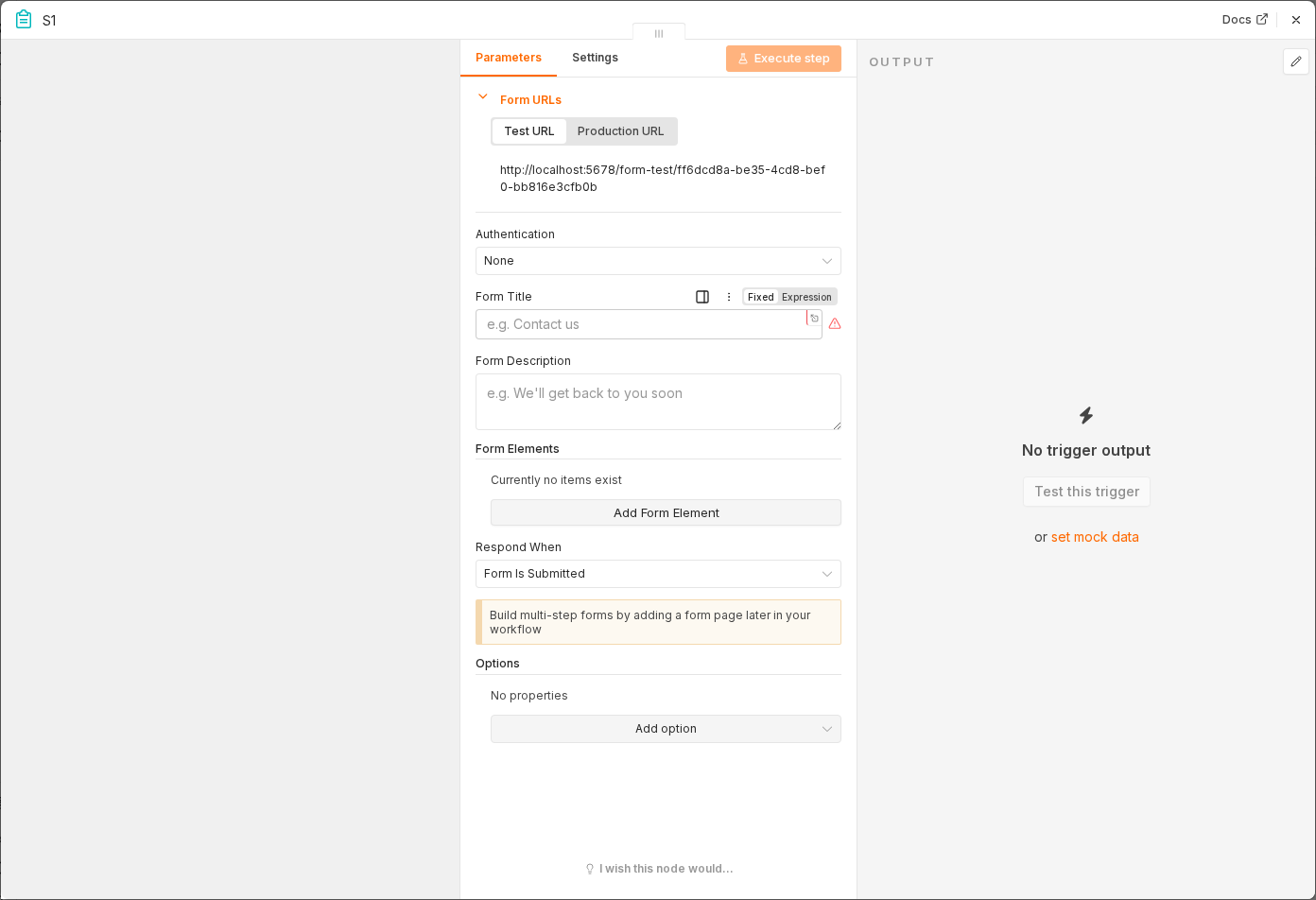 6 things to set here
- 1Open the Form Trigger node — double-click it on the canvas
- 2Workflow name — copy the value below
- 3Form Title — copy the value below
- 4Field — Rating — copy the value below
- 5Field — Comments — copy the value below
- 6Check before moving on — Submitting the form produces a test item with all four fields.
Workflow name
Feedback sentiment monitoring
Form Title
How did we do?
Field — Rating
Number, 1 to 5
Field — Comments
Long text
Checkpoint
Submitting the form produces a test item with all four fields.