01 / 10Form Trigger
Add the Quotation Form trigger
Create a workflow and add a Form Trigger node named "Quotation Form" collecting the details of the quote: client name, client email, company name, service, service description, price, valid-until date, and optional notes.
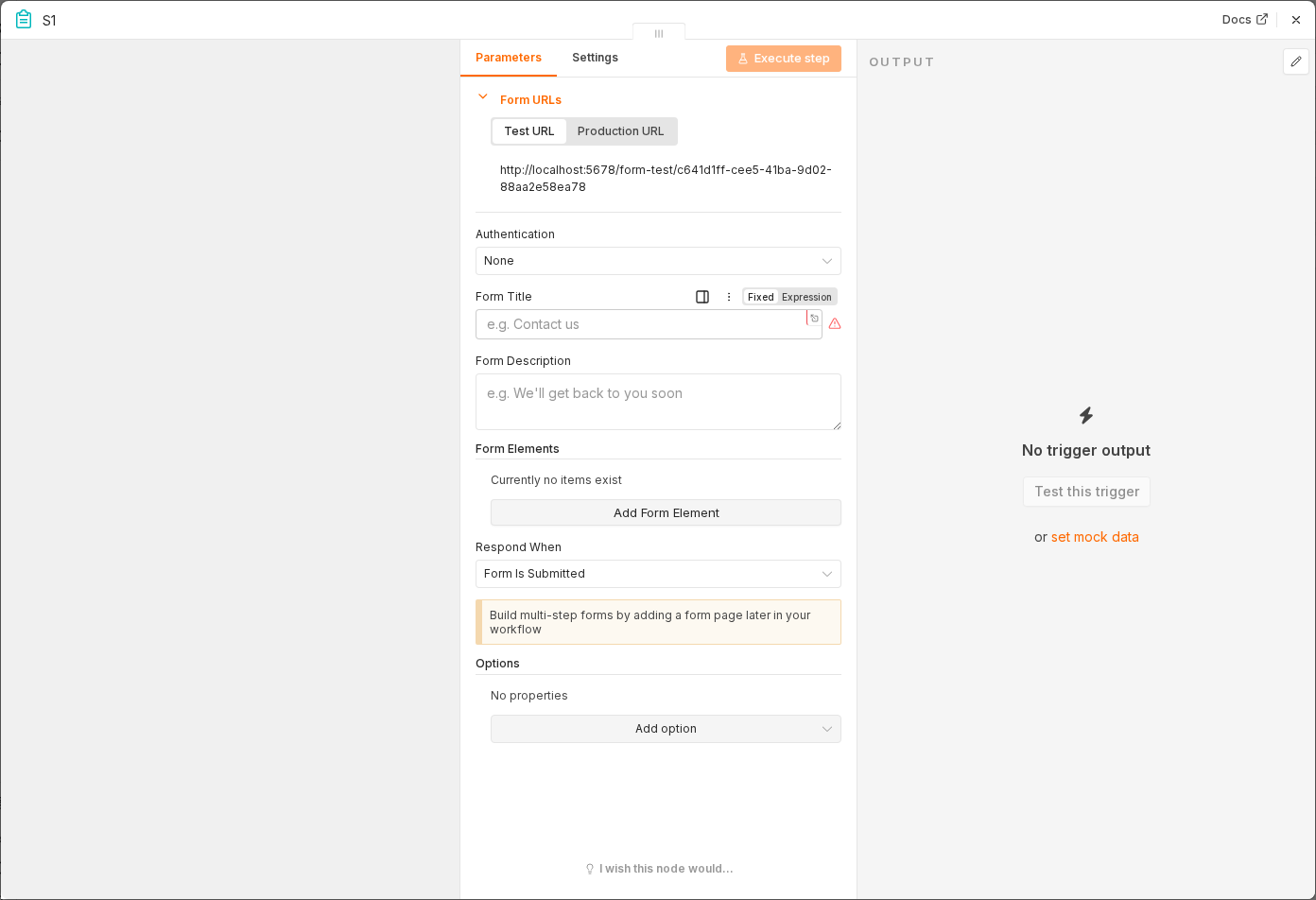 6 things to set here
- 1Open the Form Trigger node — double-click it on the canvas
- 2Form Title — copy the value below
- 3Form Description — copy the value below
- 4Fields — copy the value below
- 5Response Mode — copy the value below
- 6Check before moving on — Submitting the hosted form produces one item with all the fields you defined.
Form Title
Quotation Request
Form Description
Fill in the details below to generate a personalized quotation.
Fields
Client Name, Client Email, Company Name, Service, Service Description, Price, Valid Until, Notes
Response Mode
When Last Node Finishes
Checkpoint
Submitting the hosted form produces one item with all the fields you defined.