01 / 13Form Trigger
Capture the request with a form
Create a workflow and add an n8n Form Trigger with fields for the requester's details, their manager's email, the item, its cost, and the reason for the request.
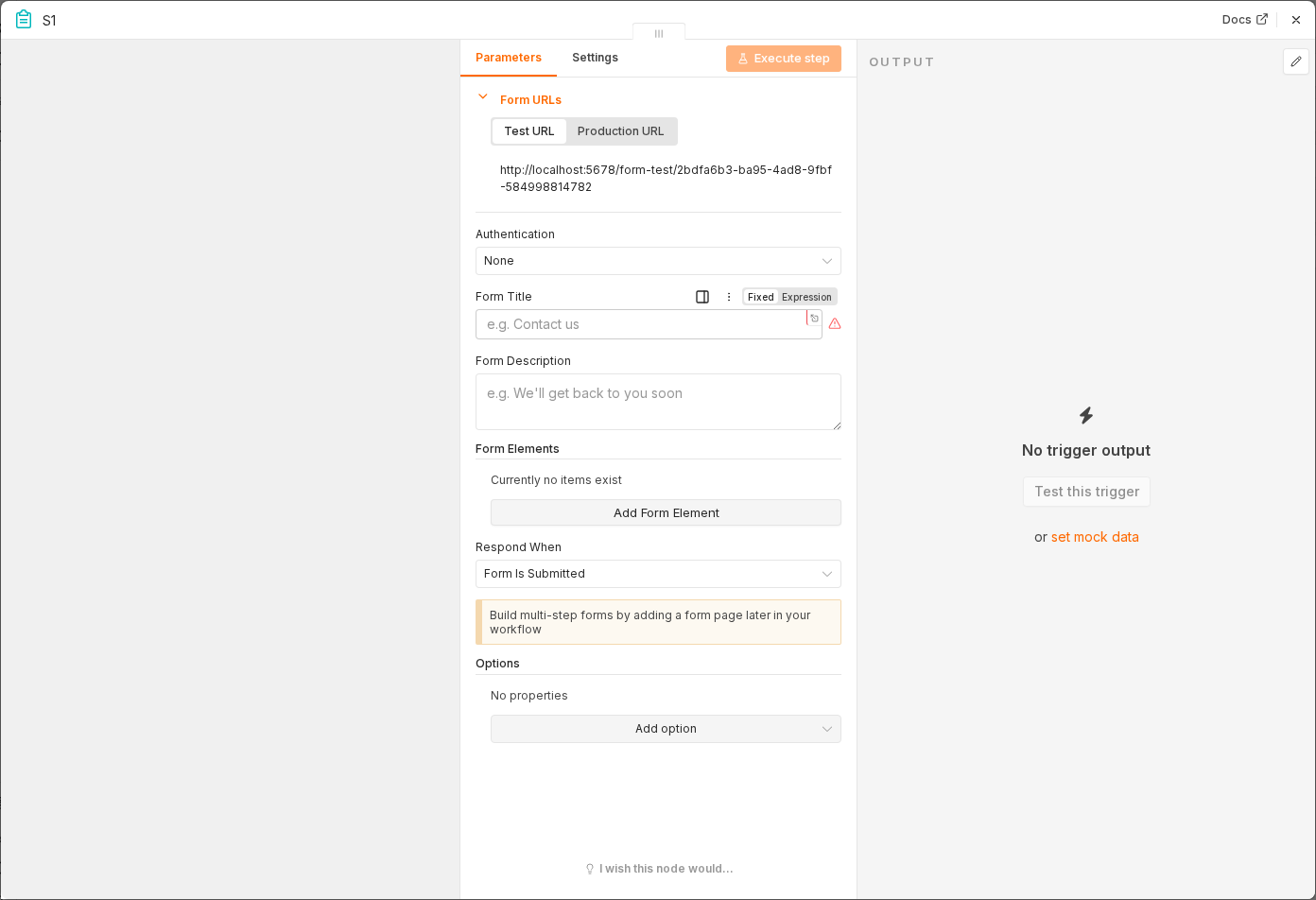 5 things to set here
- 1Open the Form Trigger node — double-click it on the canvas
- 2Workflow name — copy the value below
- 3Form Title — copy the value below
- 4Fields — copy the value below
- 5Check before moving on — Submitting the form produces one item with all six fields filled in.
Workflow name
Equipment request routing
Form Title
Equipment Request
Fields
Name, Email, Manager Email, Item, Cost, Reason
Tip
Make Manager Email a required field — the entire approval step depends on it being correct.
Checkpoint
Submitting the form produces one item with all six fields filled in.