01 / 12Google Drive Trigger
Trigger when notes are added to a Doc
Create a workflow and add a Google Drive Trigger watching a specific "Meeting Notes" folder for updated files, so saving your notes there is what starts everything.
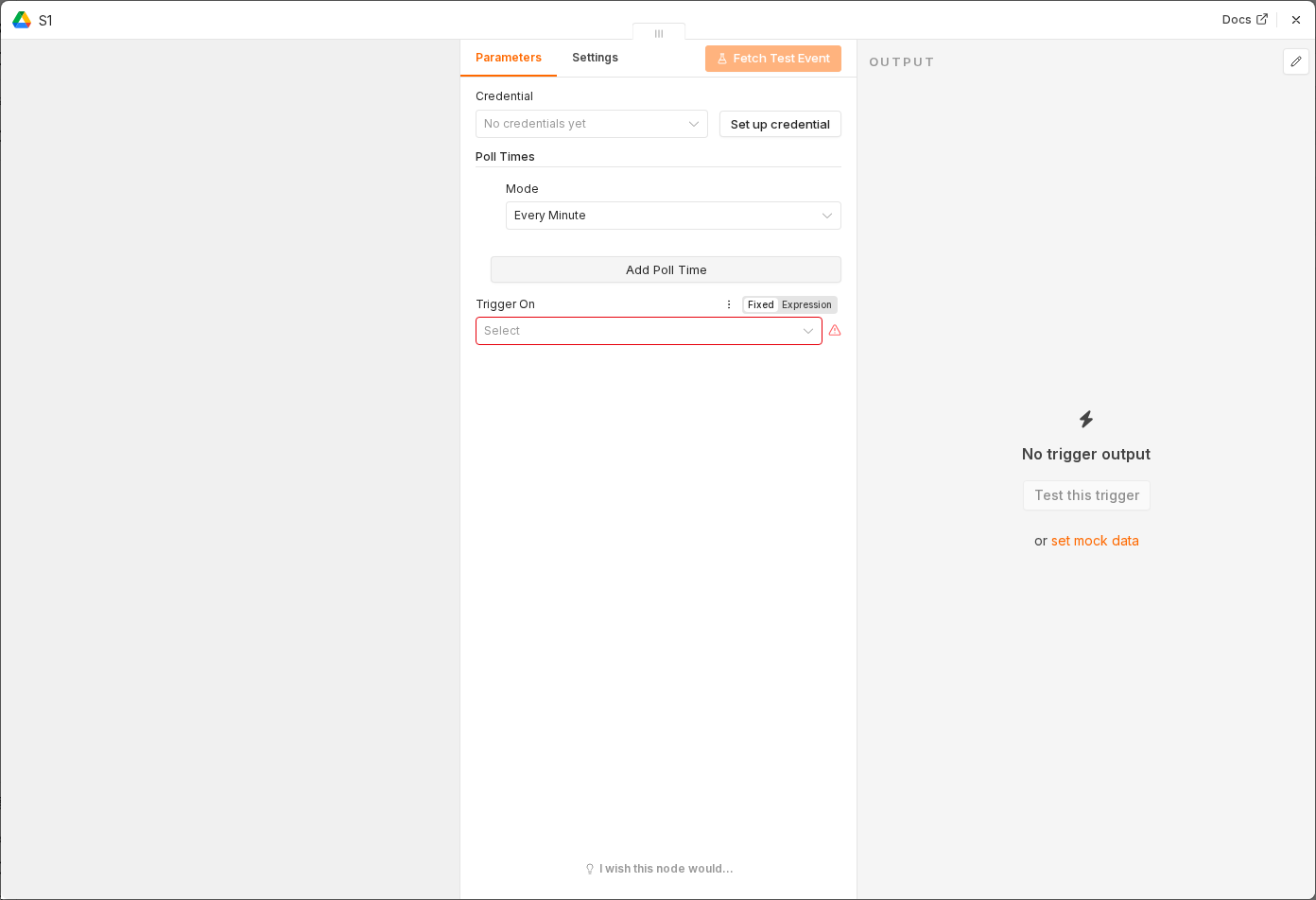 5 things to set here
- 1Open the Google Drive Trigger node — double-click it on the canvas
- 2Workflow name — copy the value below
- 3Trigger On — copy the value below
- 4Event — copy the value below
- 5Check before moving on — Updating a test document in the folder starts a workflow execution.
Workflow name
Meeting notes to action items
Trigger On
Specific Folder
Event
File Updated
Tip
While testing, swap this for a Manual Trigger with a fixed block of sample notes in a Set node — it's far quicker to iterate on the prompt that way.
Checkpoint
Updating a test document in the folder starts a workflow execution.