01 / 12Schedule Trigger
Trigger on a frequent schedule
Create a workflow and add a Schedule Trigger running every 15 minutes. Both reminders and follow-ups depend on comparing the current time to an appointment time, so the workflow needs to check regularly.
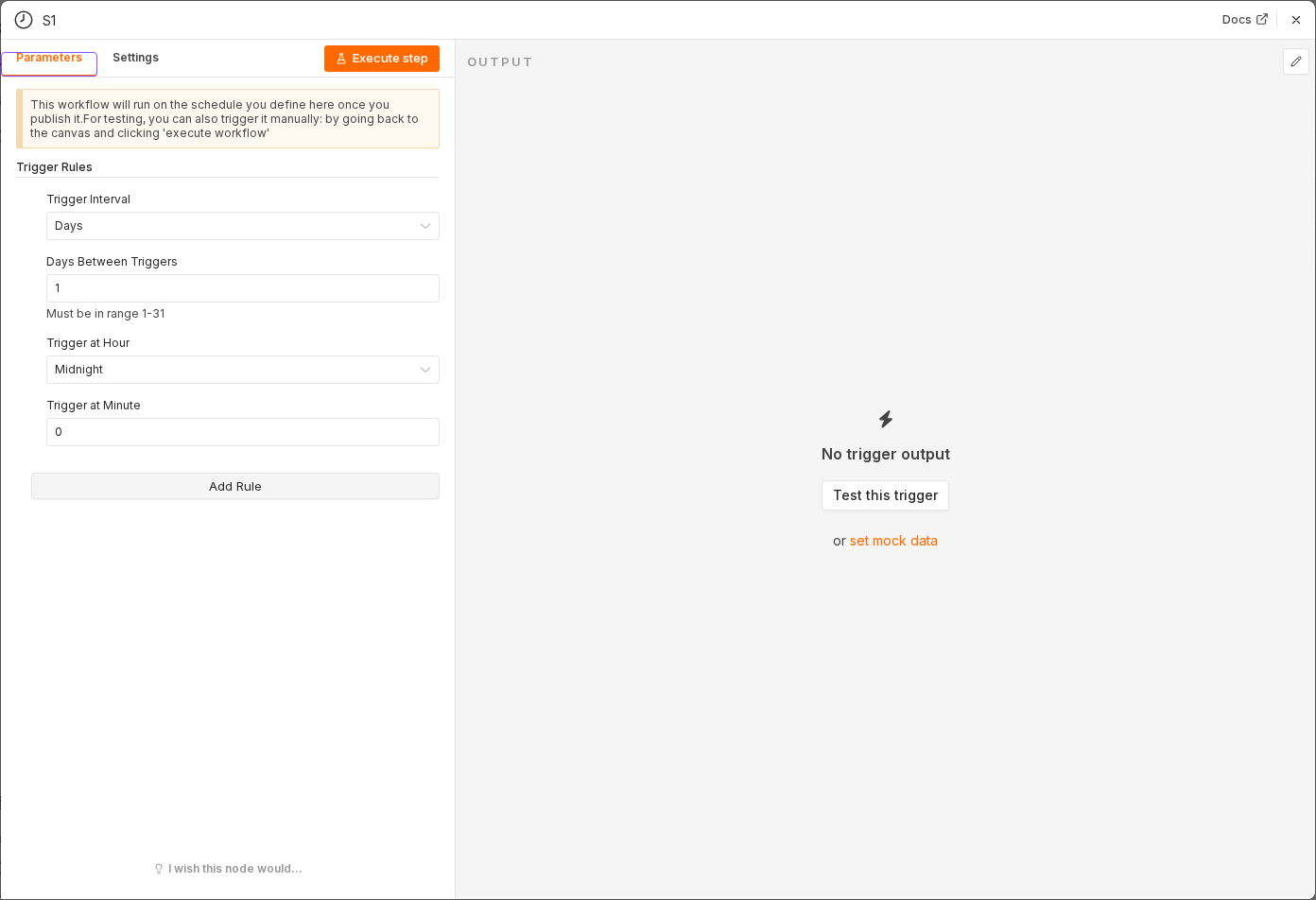 5 things to set here
- 1Open the Schedule Trigger node — double-click it on the canvas
- 2Workflow name — copy the value below
- 3Trigger Interval — copy the value below
- 4Minutes Between Triggers — copy the value below
- 5Check before moving on — A Schedule Trigger sits on the canvas, ready to run every 15 minutes.
Workflow name
Appointment reminders and follow-ups
Trigger Interval
Minutes
Minutes Between Triggers
15
Tip
Use manual test runs while building. Switch to the real schedule only once both the reminder and follow-up branches work.
Checkpoint
A Schedule Trigger sits on the canvas, ready to run every 15 minutes.