01 / 12Typeform Trigger
Create the workflow and add the Typeform trigger
Create a workflow and add a Typeform Trigger node. Connect your Typeform account and select the lead-capture form.
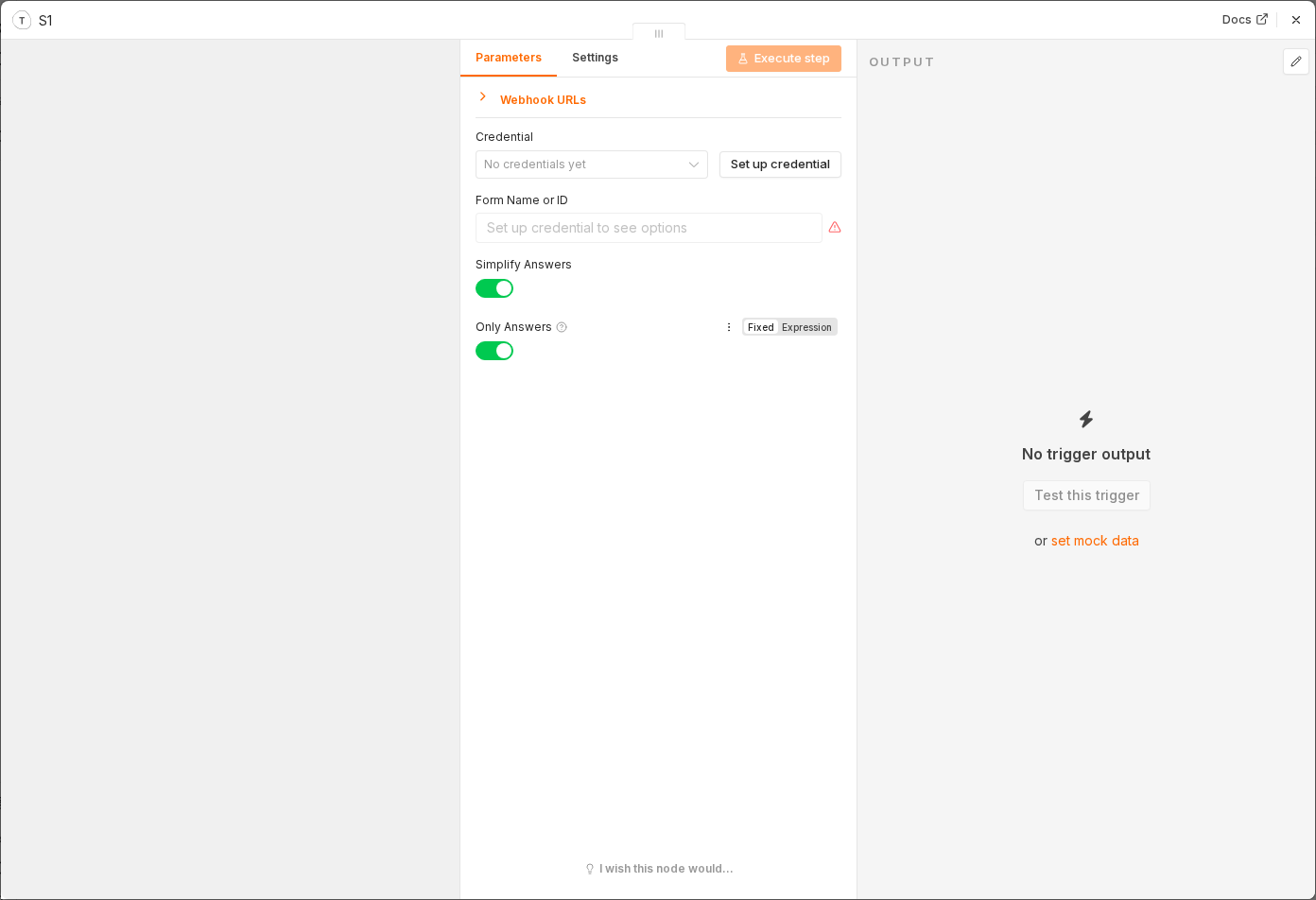 4 things to set here
- 1Open the Typeform Trigger node — double-click it on the canvas
- 2Workflow name — copy the value below
- 3Form — copy the value below
- 4Check before moving on — A test submission arrives in the node's output with all your form fields visible.
Workflow name
Lead scoring and routing
Form
Select your live lead form
Tip
Submit a real test response to the form first so the trigger has an example to work from.
Checkpoint
A test submission arrives in the node's output with all your form fields visible.