07 / 13Gmail
Label each branch
Off each Switch output, add a Gmail node using the Add Label to Message operation, with the message id from the Code node.
Label everything first. Archiving comes later, once you trust the labels.
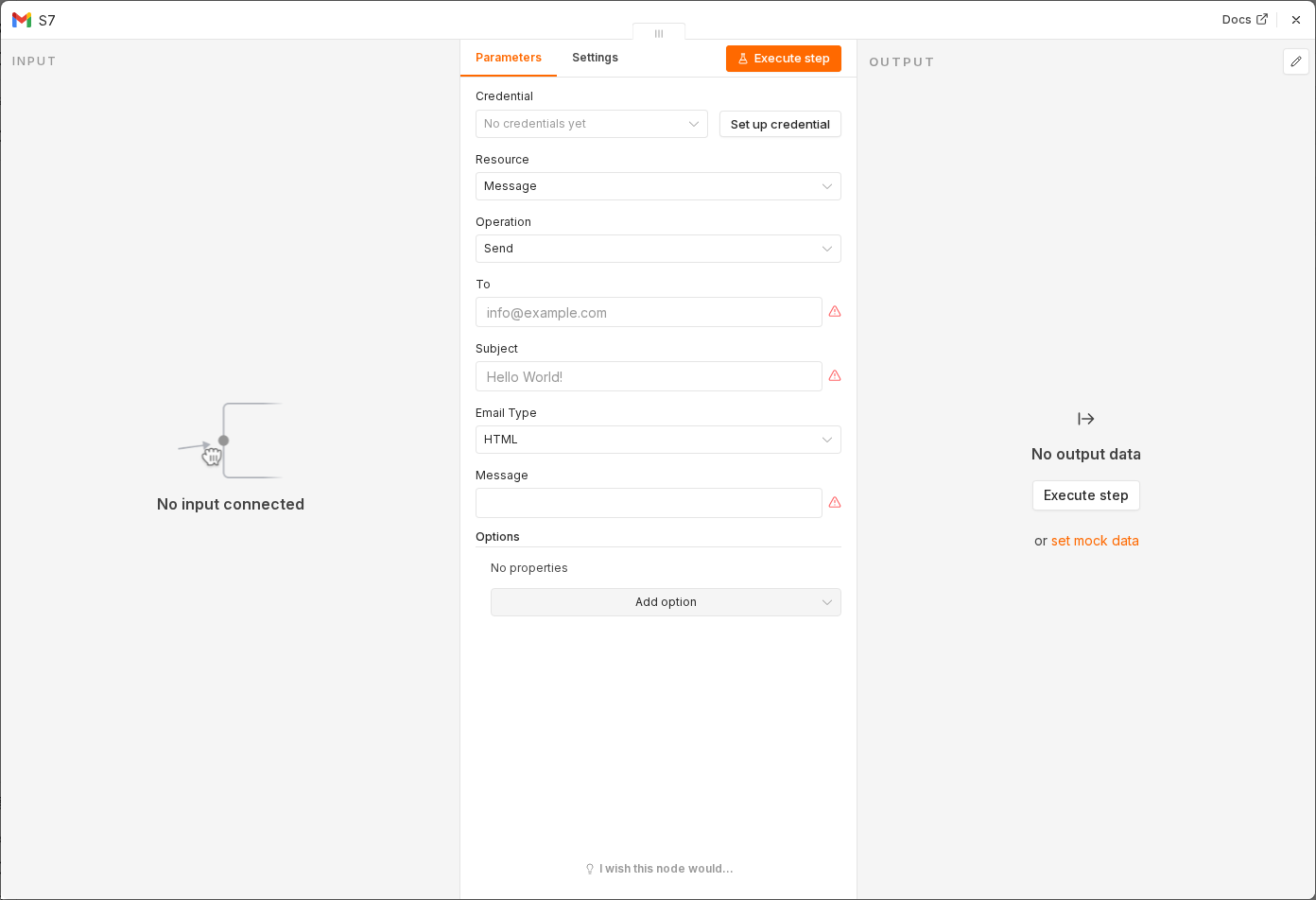 6 things to set here
- 1Open the Gmail node — double-click it on the canvas
- 2Resource — copy the value below
- 3Operation — copy the value below
- 4Message ID — paste as an expression
- 5Label — copy the value below
- 6Check before moving on — Your test email picks up a label in Gmail.
Resource
Message
Operation
Add Label
Message IDexpression
{{ $json.id }}Label
Needs Reply (per branch)
Watch out
A label that does not exist in Gmail cannot be applied and the node errors. Create all four by hand before running.
Checkpoint
Your test email picks up a label in Gmail.