05 / 13Code
Turn the reply into usable fields
Model output arrives as text, not structured data. Add a Code node to parse it, and make it survive a stray code fence rather than crashing the run.
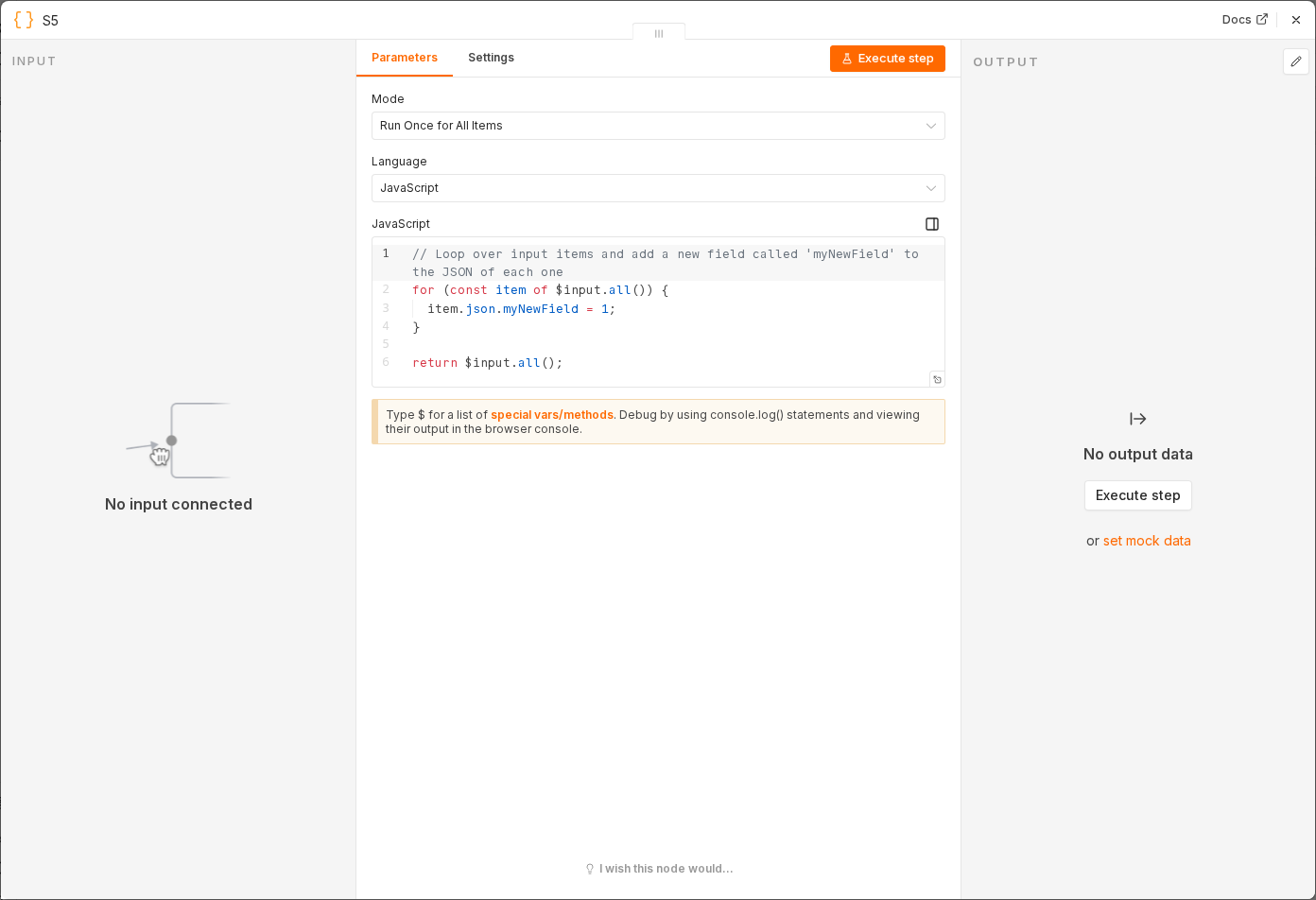 3 things to set here
- 1Open the Code node — double-click it on the canvas
- 2JavaScript — The fallback means a malformed reply routes to needs_reply instead of failing the workflow.
- 3Check before moving on — Output shows clean category, urgency, summary, id and subject fields.
JavaScript
const raw = String($json.text ?? $json.output ?? '').replace(/```json|```/g, '').trim();
let parsed;
try { parsed = JSON.parse(raw); } catch { parsed = { category: 'needs_reply', urgency: 'normal', summary: 'Could not classify' }; }
return [{ json: { ...parsed, id: $('Gmail Trigger').item.json.id, subject: $('Gmail Trigger').item.json.subject } }];
The fallback means a malformed reply routes to needs_reply instead of failing the workflow.
Checkpoint
Output shows clean category, urgency, summary, id and subject fields.