04 / 13Basic LLM Chain
Write the classification prompt
This is the heart of the workflow. Ask for JSON only, list the exact categories, and say what to do when unsure. A model told to pick from four named options is far more reliable than one asked to "sort my email".
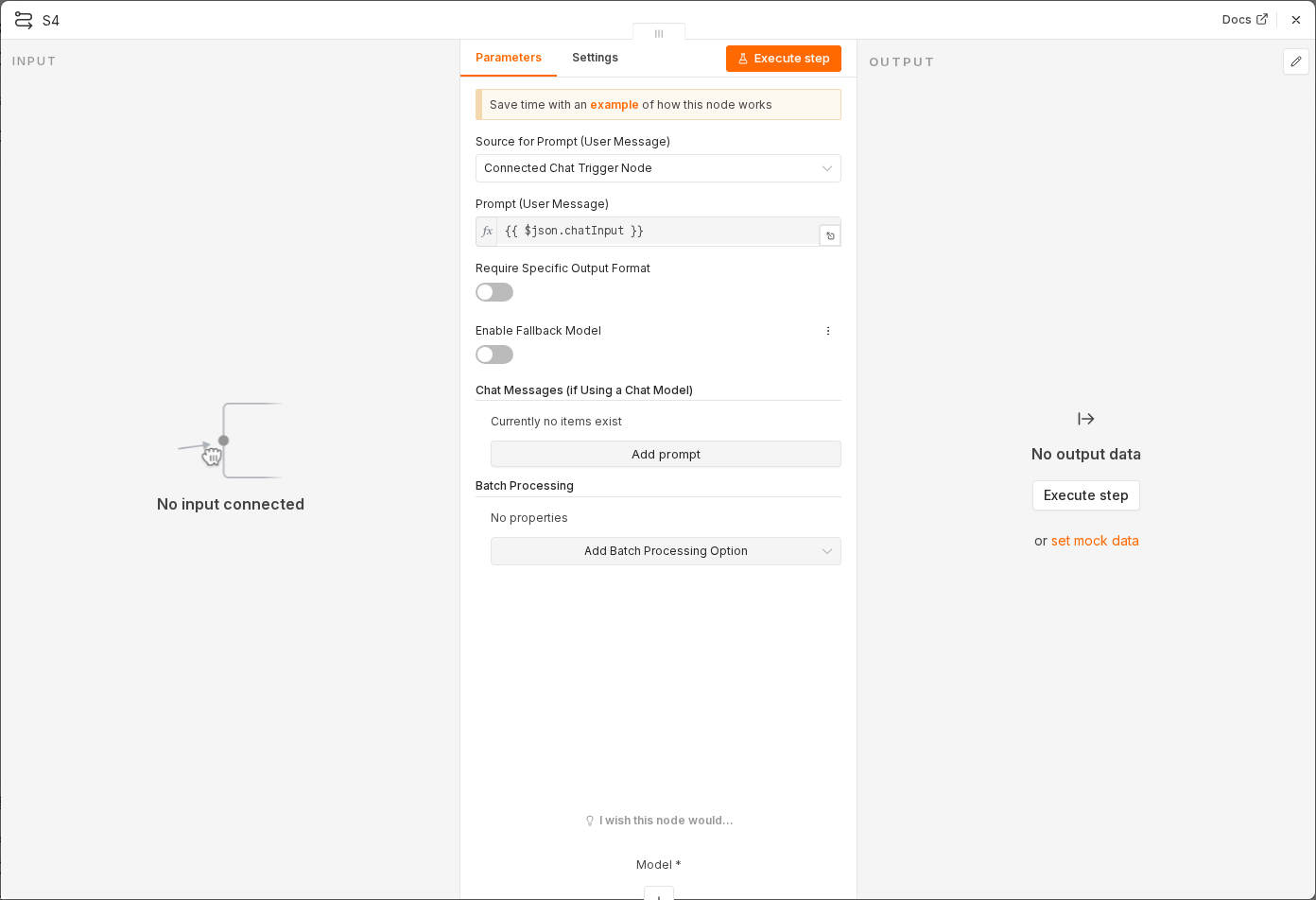 3 things to set here
- 1Open the Basic LLM Chain node — double-click it on the canvas
- 2Prompt — paste as an expression
- 3Check before moving on — Test step returns a JSON-looking string with all three keys.
Promptexpression
Classify this email. Reply with JSON only, no prose, no code fences.
Keys: category (one of: needs_reply, fyi, newsletter, receipt), urgency (high, normal, low), summary (max 15 words).
If you are unsure, use needs_reply.

From: {{ $json.from.value[0].address }}
Subject: {{ $json.subject }}
Body: {{ $json.snippet }}
Watch out
Never let the model invent its own categories. A free-text category means your later branches match nothing and every email falls through.
Checkpoint
Test step returns a JSON-looking string with all three keys.