02 / 13Gmail Trigger
Fetch a real email
Click Fetch Test Event and inspect the JSON. You want , from, and the message id — the id is what every later action uses to point back at the right email.
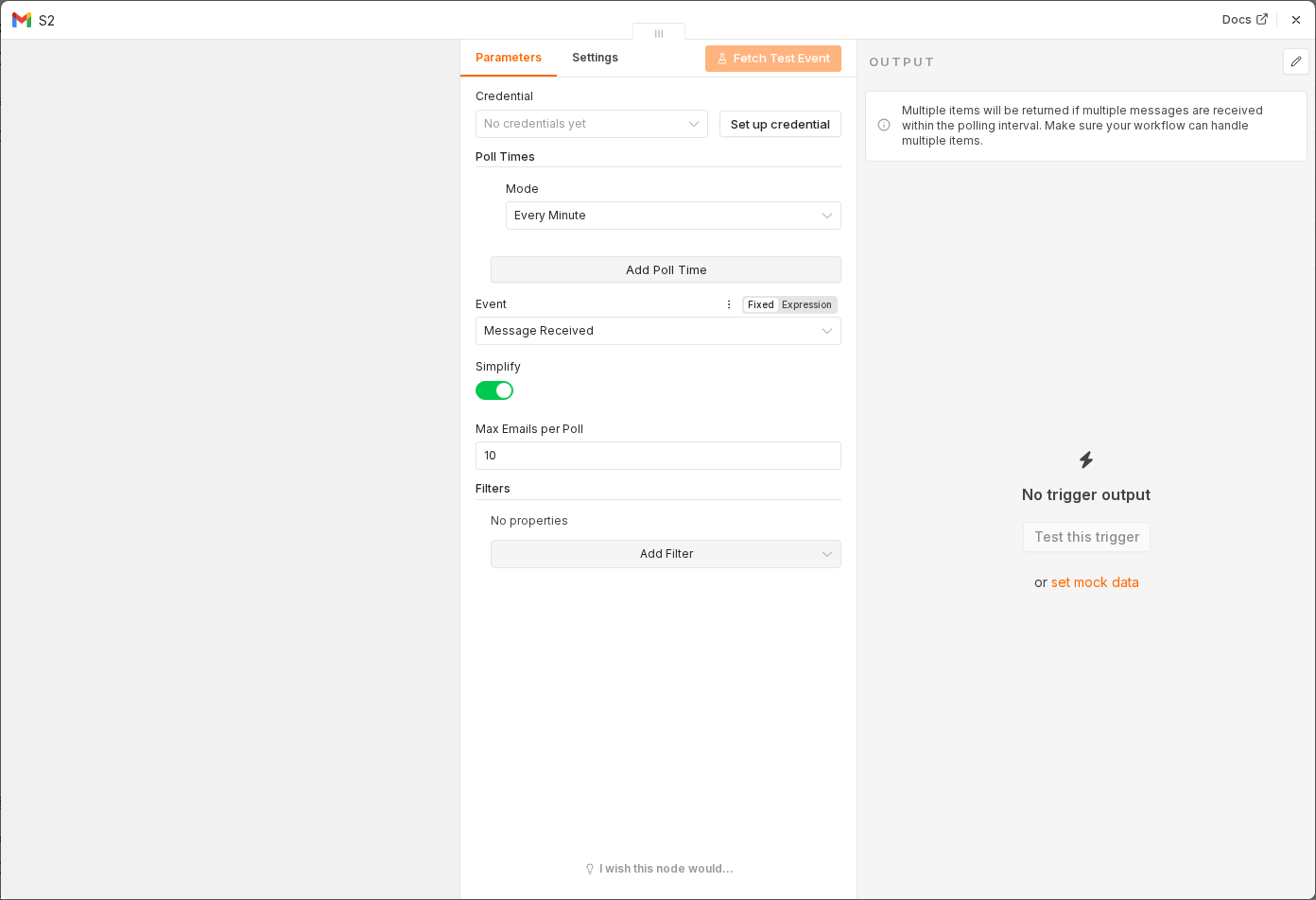 2 things to set here
- 1Open the Gmail Trigger node — double-click it on the canvas
- 2Check before moving on — You can see subject, sender, snippet and id in the output.
Tip
Pin the output. Testing a classifier means running it twenty times, and you do not want twenty real emails to do that.
Checkpoint
You can see subject, sender, snippet and id in the output.