10 / 13Gmail
Only now, let it archive
Once you trust the classifier, add a Gmail → Remove Label → INBOX node to the newsletter and receipt branches. That is what archiving is in Gmail: removing the INBOX label.
Leave needs_reply and fyi in the inbox. Archiving something that needed an answer costs more than the whole automation saves.
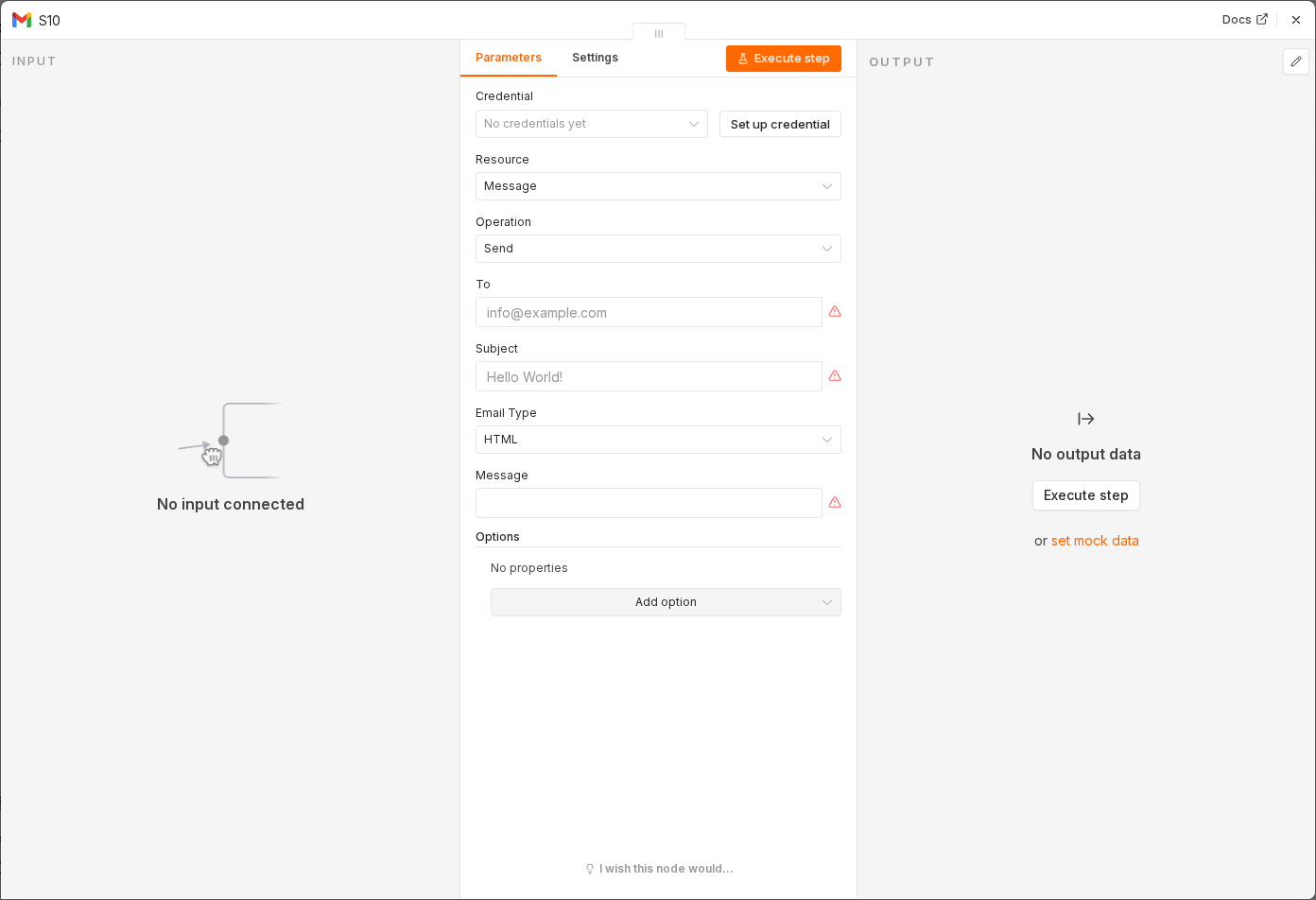 5 things to set here
- 1Open the Gmail node — double-click it on the canvas
- 2Operation — copy the value below
- 3Label — copy the value below
- 4Message ID — paste as an expression
- 5Check before moving on — New newsletters vanish from the inbox, labelled, while real mail stays put.
Operation
Remove Label
Label
INBOX
Message IDexpression
{{ $json.id }}Watch out
Archived mail is still searchable and nothing is deleted — but people do miss it. Never archive the needs_reply branch.
Checkpoint
New newsletters vanish from the inbox, labelled, while real mail stays put.