01 / 13Gmail Trigger
Create the workflow and watch the mailbox
Create a workflow and add a Gmail Trigger. Poll every few minutes and narrow it to unread mail in the inbox so you are not reprocessing your archive.
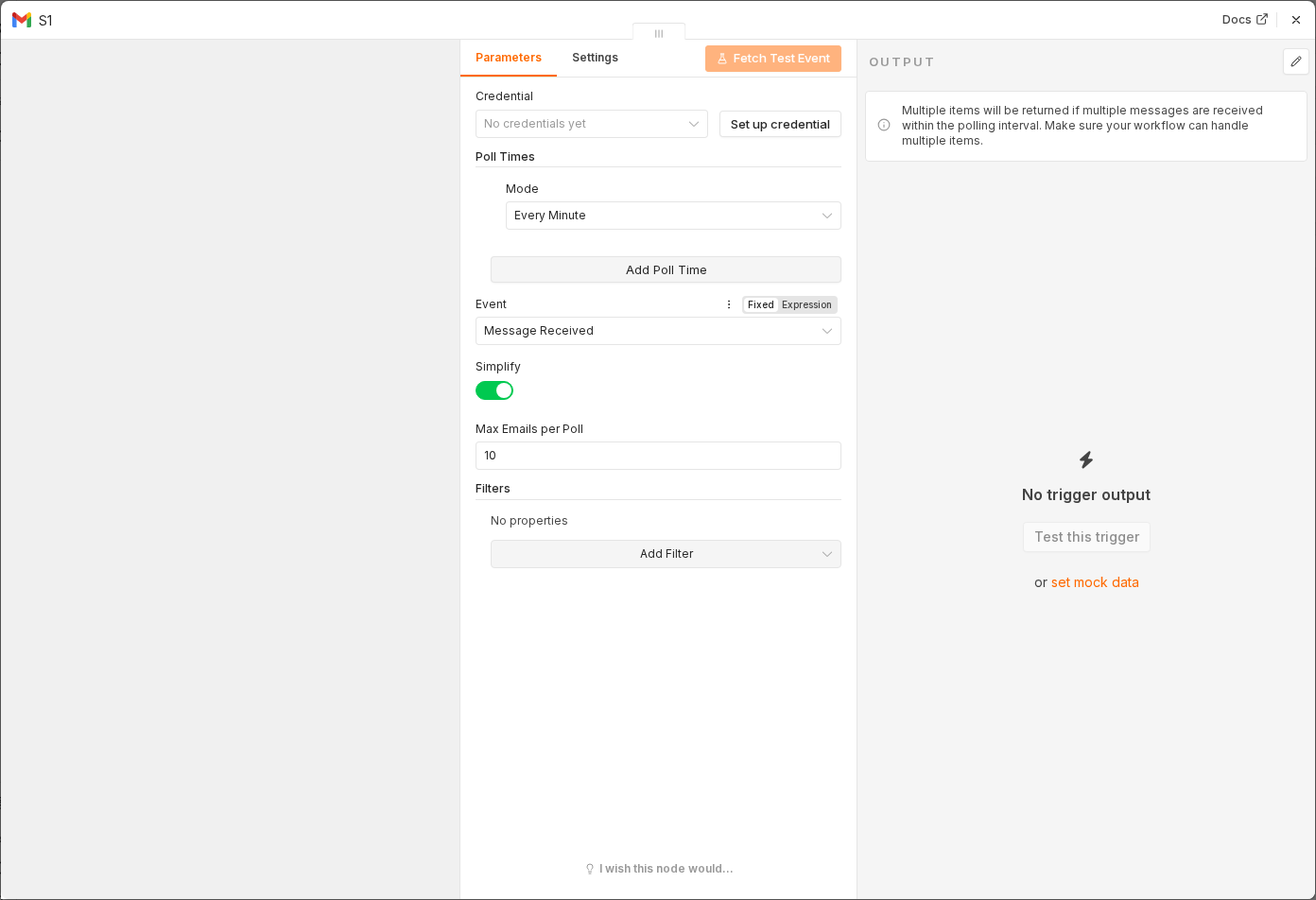 5 things to set here
- 1Open the Gmail Trigger node — double-click it on the canvas
- 2Workflow name — copy the value below
- 3Poll Times — copy the value below
- 4Filters → Search — copy the value below
- 5Check before moving on — The trigger is set to poll with a search filter.
Workflow name
AI inbox triage
Poll Times
Every 5 Minutes
Filters → Search
is:unread in:inbox
Checkpoint
The trigger is set to poll with a search filter.