01 / 12HubSpot Trigger
Trigger on deals moving to Closed Won
Create a workflow and add a HubSpot Trigger node watching for deal property changes. Filter it to fire only when the deal stage becomes your "won" stage.
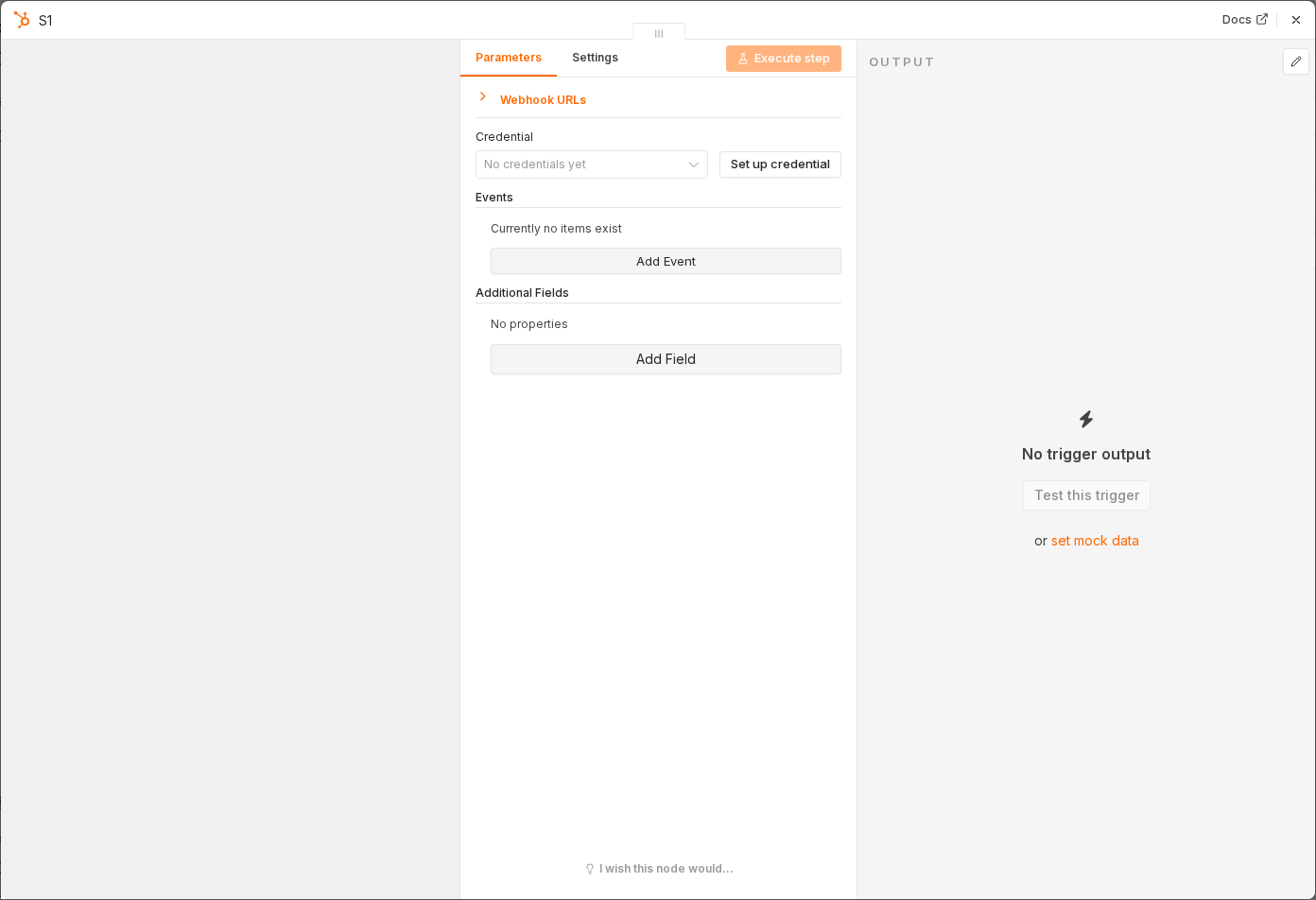 5 things to set here
- 1Open the HubSpot Trigger node — double-click it on the canvas
- 2Workflow name — copy the value below
- 3Event — copy the value below
- 4Property — copy the value below
- 5Check before moving on — Moving a test deal into the won stage triggers a run.
Workflow name
Customer onboarding sequence
Event
Deal property changed
Property
dealstage
Tip
While building, use a test deal you can move back and forth in HubSpot instead of waiting for real sales to close.
Checkpoint
Moving a test deal into the won stage triggers a run.