01 / 13Schedule Trigger
Start with a schedule, not a live trigger
Create a workflow and add a Schedule Trigger running every 15 minutes. Polling on a schedule is simpler and safer than trying to react instantly to spreadsheet edits.
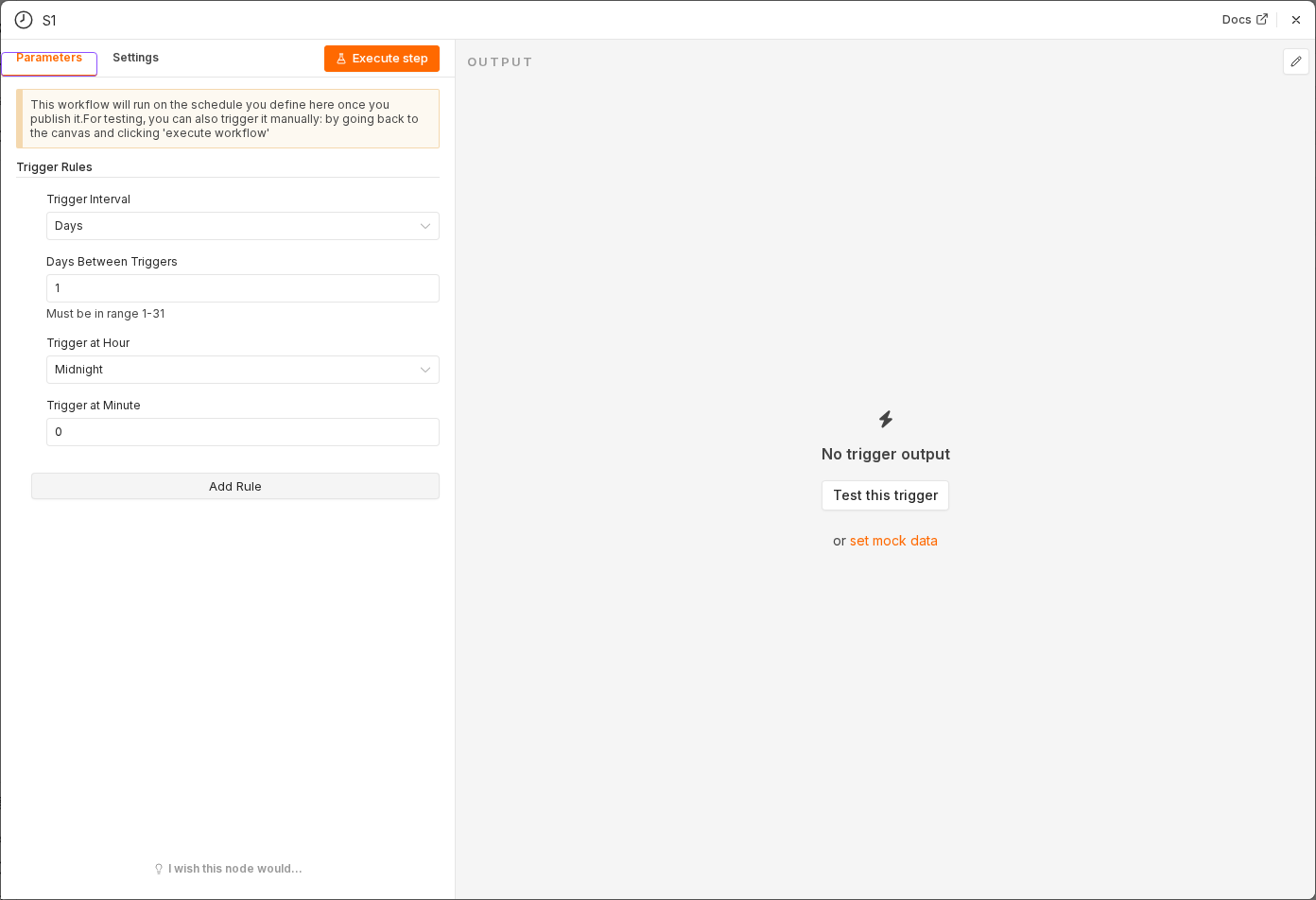 5 things to set here
- 1Open the Schedule Trigger node — double-click it on the canvas
- 2Workflow name — copy the value below
- 3Trigger Interval — copy the value below
- 4Minutes Between Triggers — copy the value below
- 5Check before moving on — A Schedule Trigger sits on the canvas, currently disabled.
Workflow name
Sheets ↔ Postgres sync
Trigger Interval
Minutes
Minutes Between Triggers
15
Tip
Use Test workflow with manual runs while building, and only switch to the real interval once both directions work.
Checkpoint
A Schedule Trigger sits on the canvas, currently disabled.