01 / 10Shopify Trigger
Add the Cart Created trigger
Create a workflow and add a Shopify Trigger node named "Cart Created", connected to your Shopify credential. This fires as soon as a customer starts a checkout, before you know whether they'll finish it.
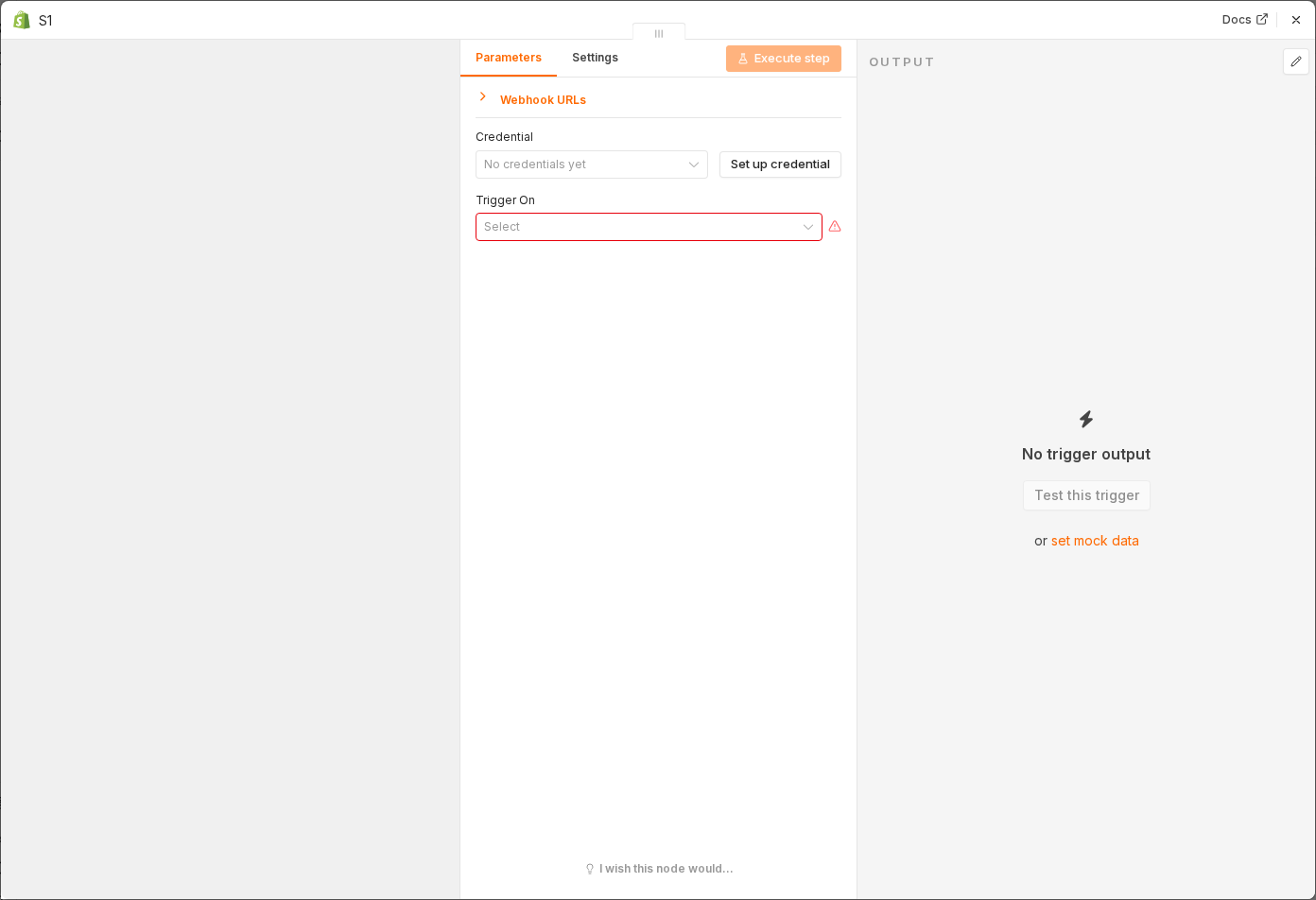 4 things to set here
- 1Open the Shopify Trigger node — double-click it on the canvas
- 2Workflow name — copy the value below
- 3Credential — copy the value below
- 4Check before moving on — The Shopify Trigger node sits on the canvas, connected to your store.
Workflow name
Abandoned cart recovery
Credential
Your Shopify Admin API credential
Checkpoint
The Shopify Trigger node sits on the canvas, connected to your store.